

Remove the background. Keep the subject.
Busy backdrop, studio grey, a table you didn't mean to shoot. Passprint finds the subject and cuts the rest. Upload a photo and take a transparent PNG with you. No mask to paint.
Try it free. No account required.
No picture on hand? Try with one of these
Three steps. Then you have a cutout.


Cutouts by subject
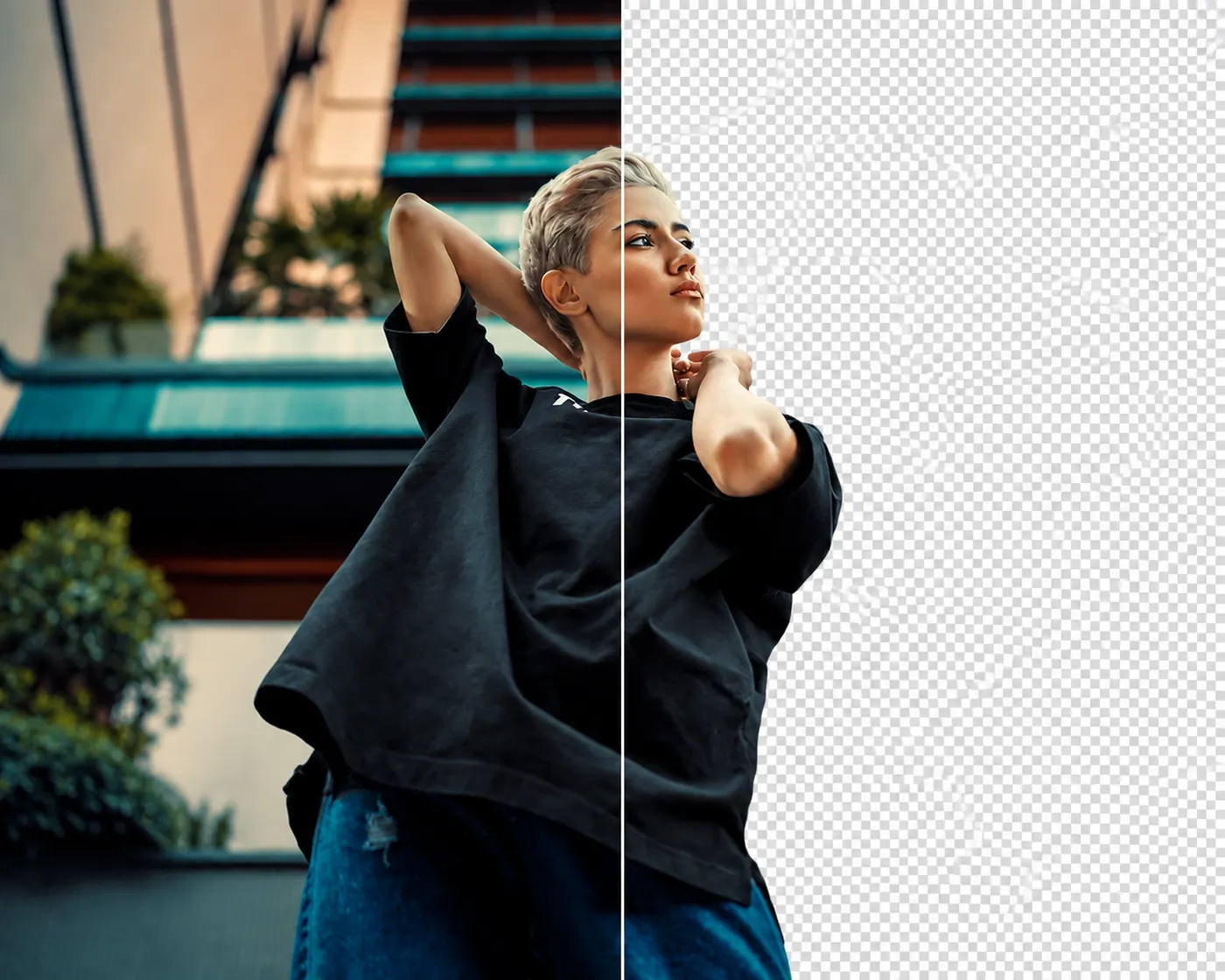
People, without the backdrop. Remove busy rooms, streets, walls, and other distractions while keeping the person in focus.
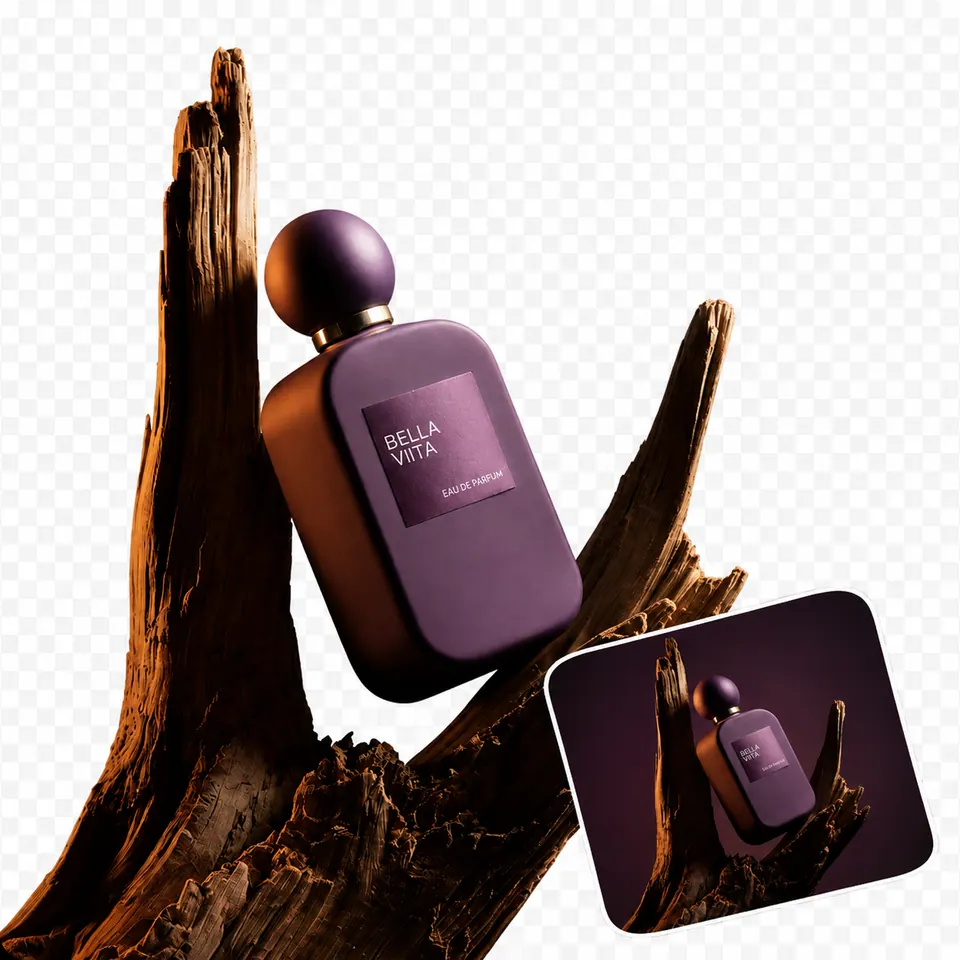
Products, ready to place. Separate a product from its original scene so you can use it in a store listing, catalog, banner, or design.
Clothing, cleanly cut. Keep the garment and remove the surrounding background without manually tracing around every edge.
Objects, isolated. Cut out bags, furniture, food, equipment, and everyday objects so they are ready for a new layout or background.




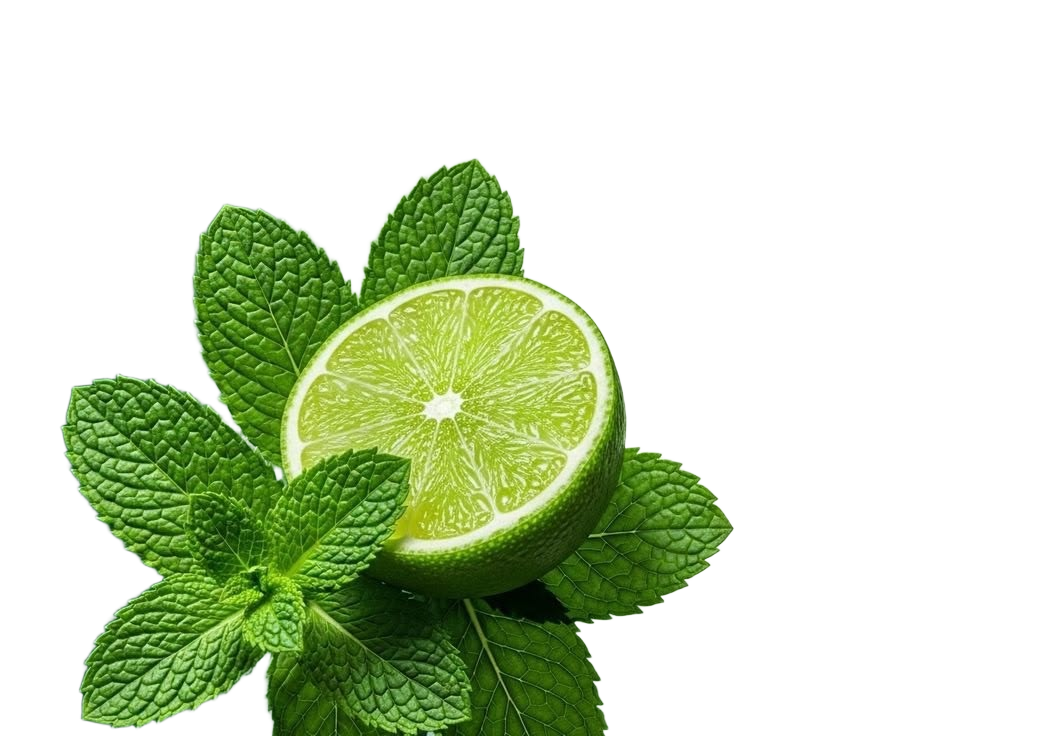
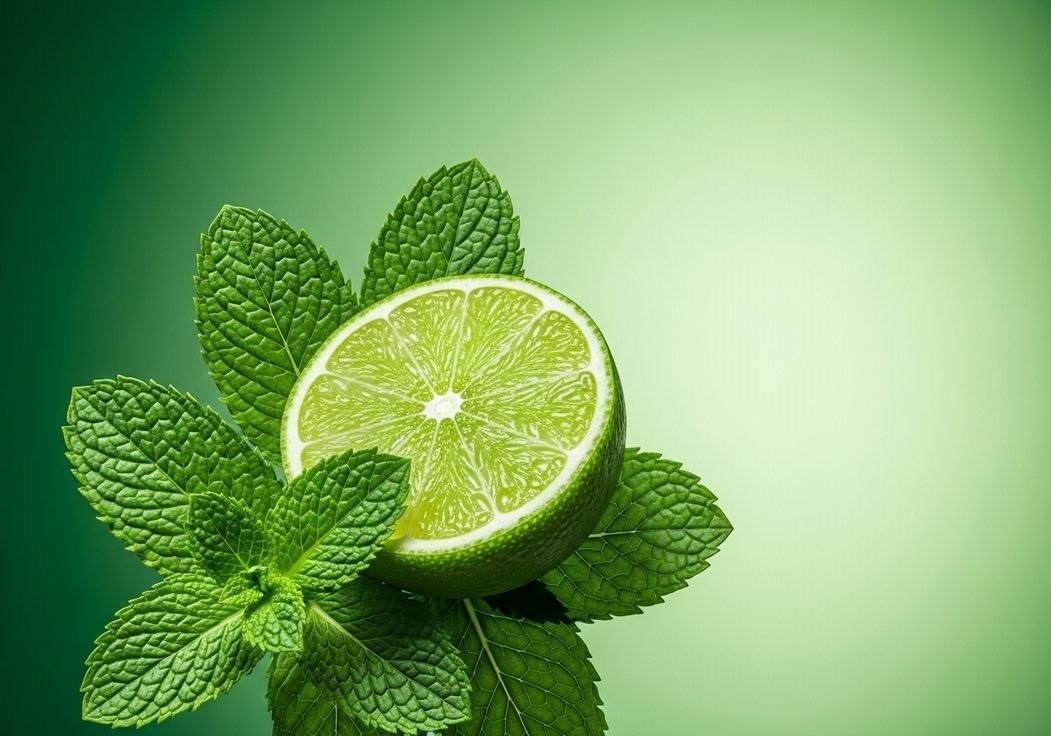
The cutout should fit anywhere.
Remove the original backdrop and put the subject where you need it. Passprint gives you a clean cutout that can move from one design to the next.
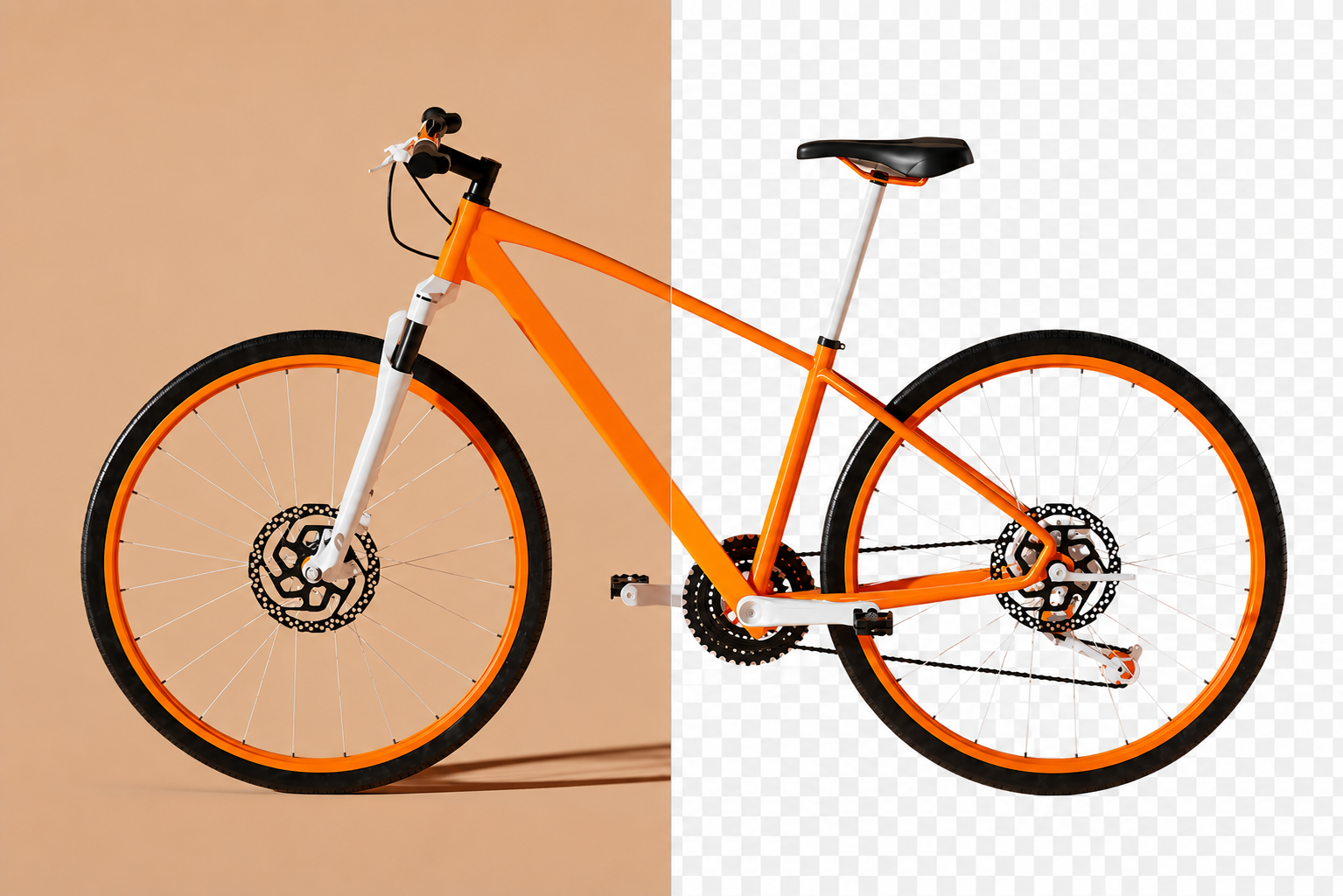
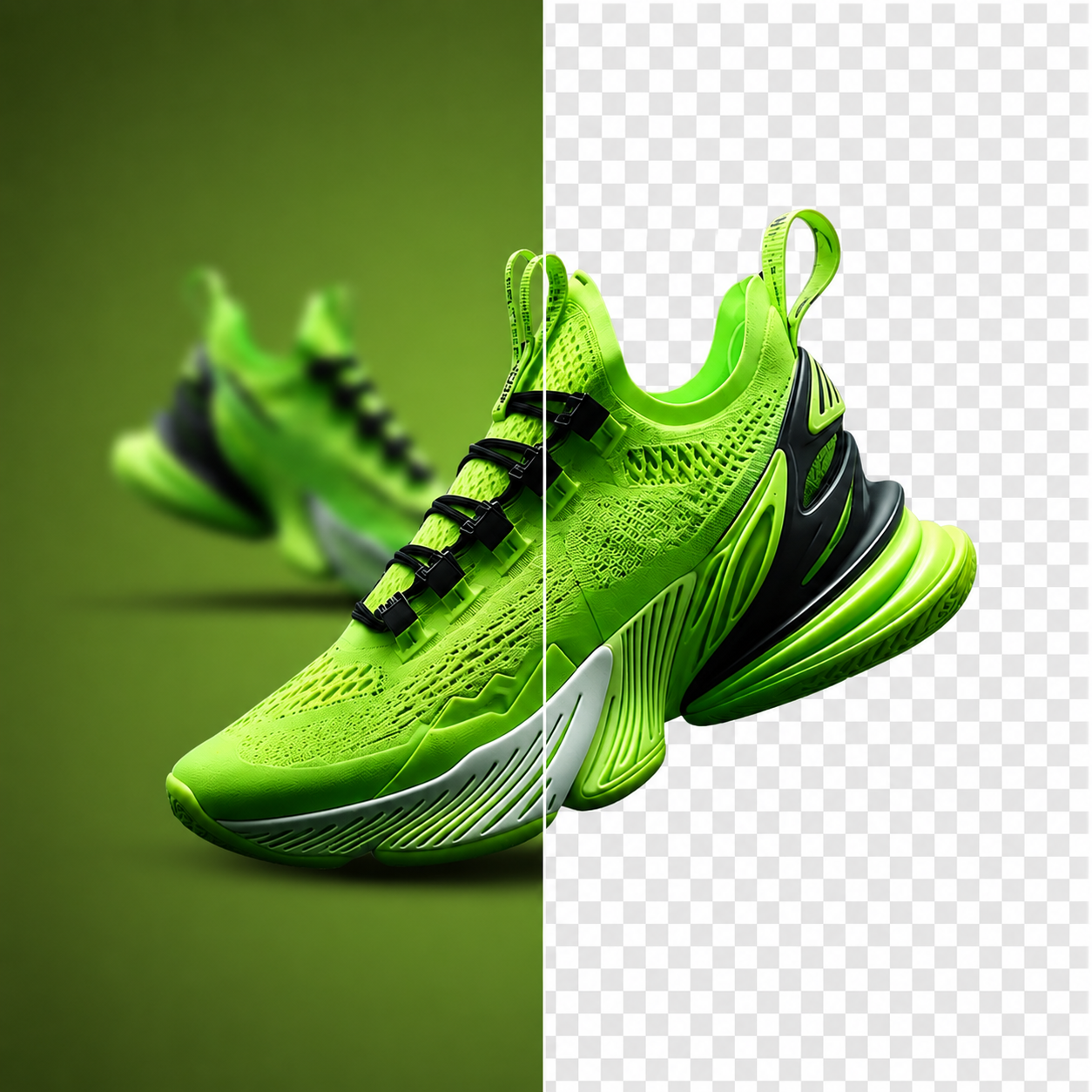
A cleaner product image.
Remove the room, table, or surface around a product and keep the item ready for a new layout.
.png)
Let the food stand alone.
Remove distracting backgrounds from food photography and keep the subject ready for menus, posts, listings, or layouts.
.png)
Keep the clothing. Lose the clutter.
Separate a jacket, dress, shirt, or other garment from the scene around it without manually tracing every edge.
.png)
Put the person somewhere new.
Remove the original scene around a person and place the subject into a new design, background, or composition.
.png)
Give the subject some space.
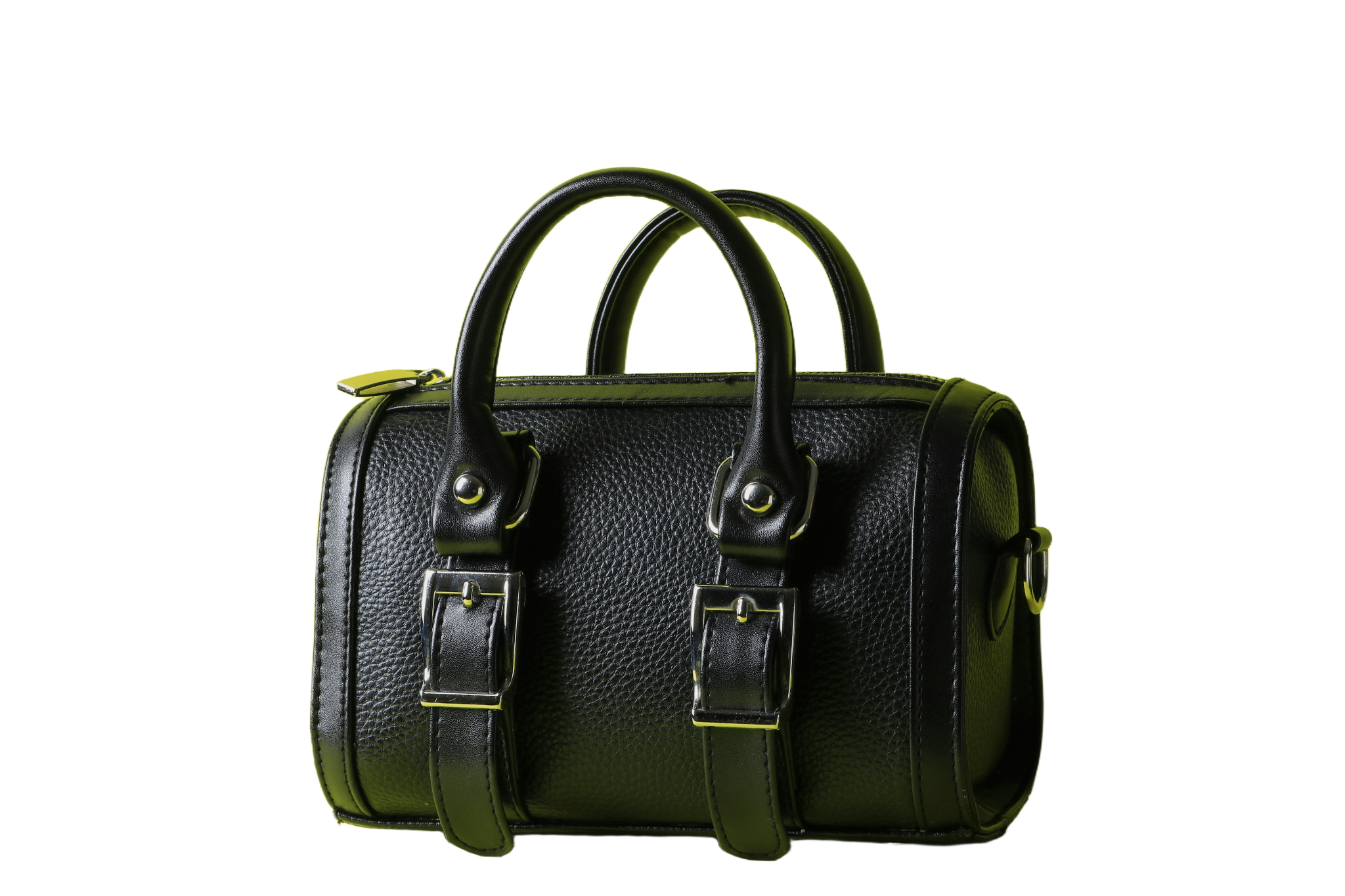
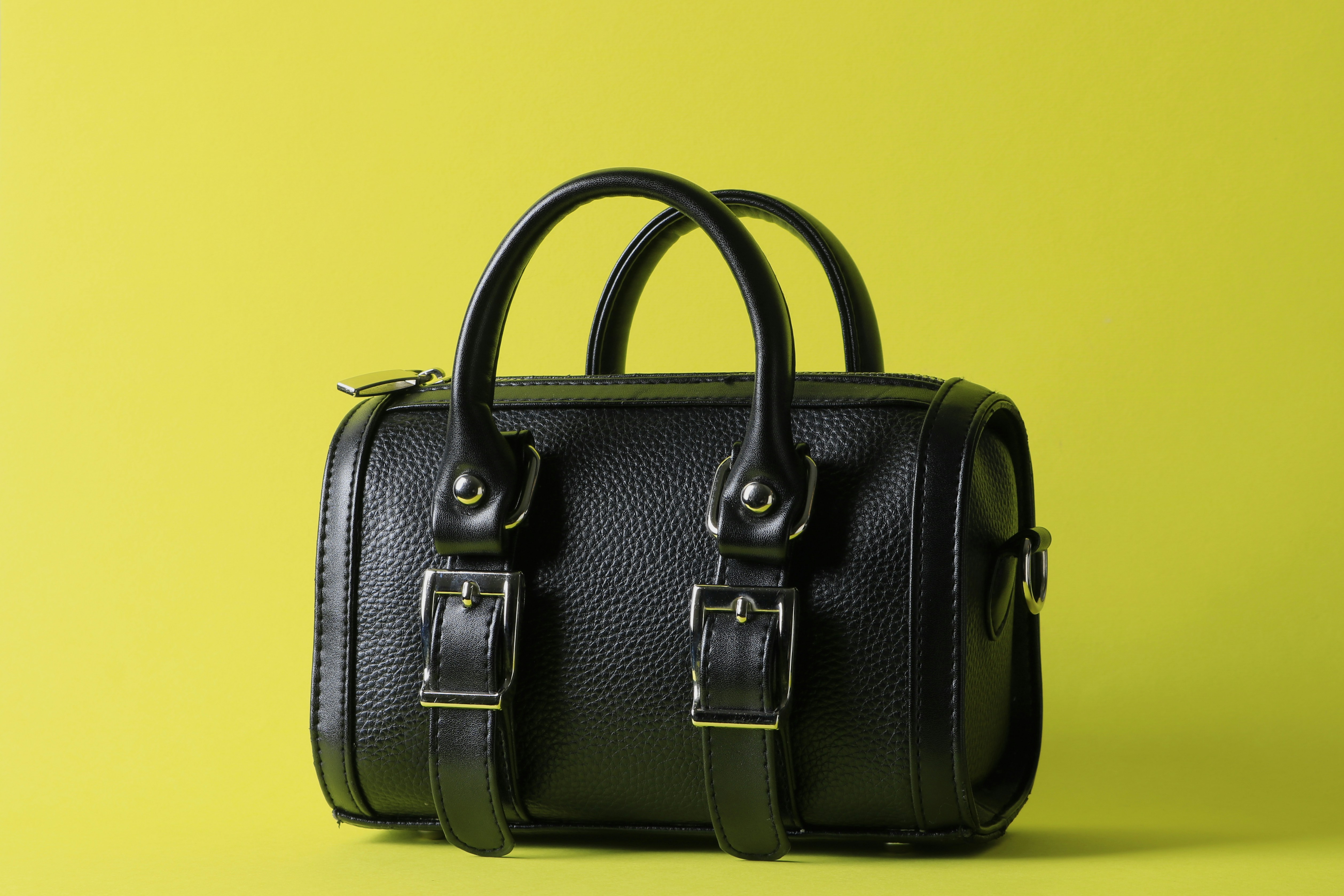
Isolate bags and accessories from busy surroundings so they can sit cleanly in a product page, campaign, or design.
.png)
Move the object, not the background.
Cut out furniture and household objects so you can place them into a different composition without the original room.
.png)
Just the object.
Keep the equipment or everyday object and remove everything around it when you need a cleaner visual.
.png)
Start with the cutout.
Once the background is gone, the subject is ready to move into a poster, presentation, social post, store listing, or creative project.
FAQs
How the cut works, what you can download, and what happens after.
What people say after the download
Reviews from people who used Passprint. Same list on every page.
Got a photo? Lose the background.
Upload your image and see the cutout for yourself. No account required to try.
More ways to remove a background
Same tool, written for a different job. Pick the page that matches what you are cutting out.