

Remove the background at full resolution.
A cutout is only useful if it holds up when the image gets large. Passprint keeps the subject at the size you uploaded and clears the scene behind it. Upload one photo and leave with an HD transparent PNG, ready for print or screen.
Try it free. No account required.
No picture on hand? Try with one of these
Three steps to an HD cutout.


Cutouts by subject
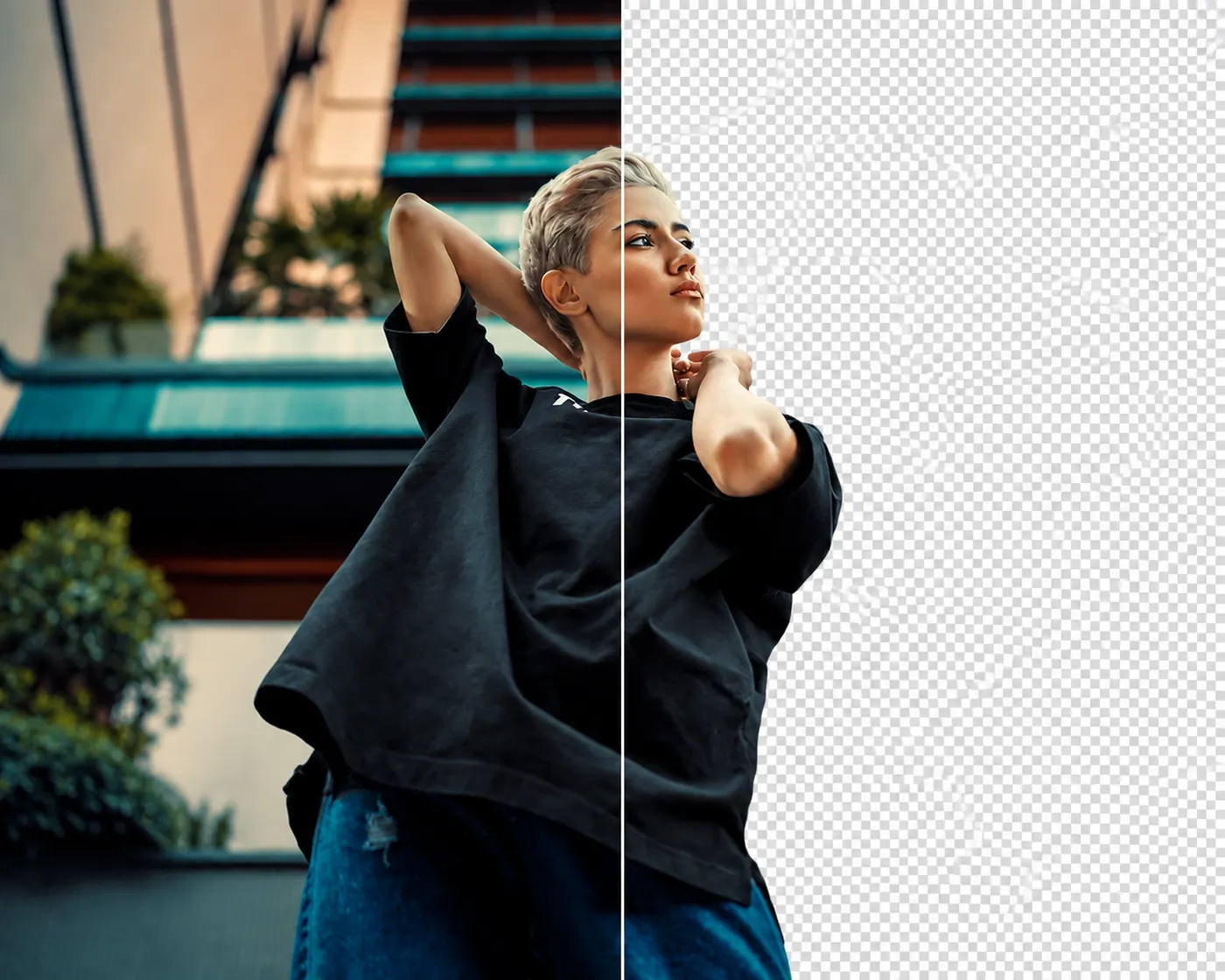
People, held at full size. Rooms and street clutter come away while skin, hair, and shoulder lines stay readable up close.
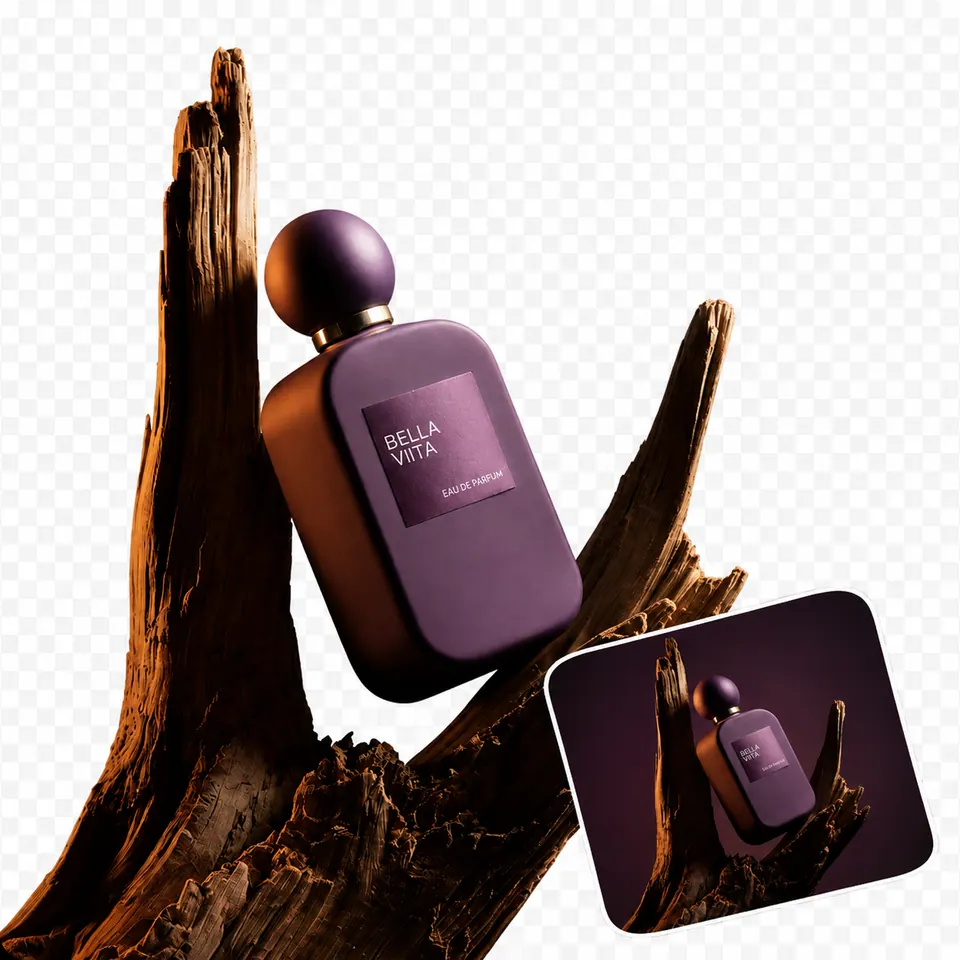
Products, sharp enough to print. Lift an item off its original surface and keep the detail a catalog page or large banner will show.
Garments, kept at scale. Seams, hems, and fabric texture survive the cut, so the piece still looks right on a full-width layout.
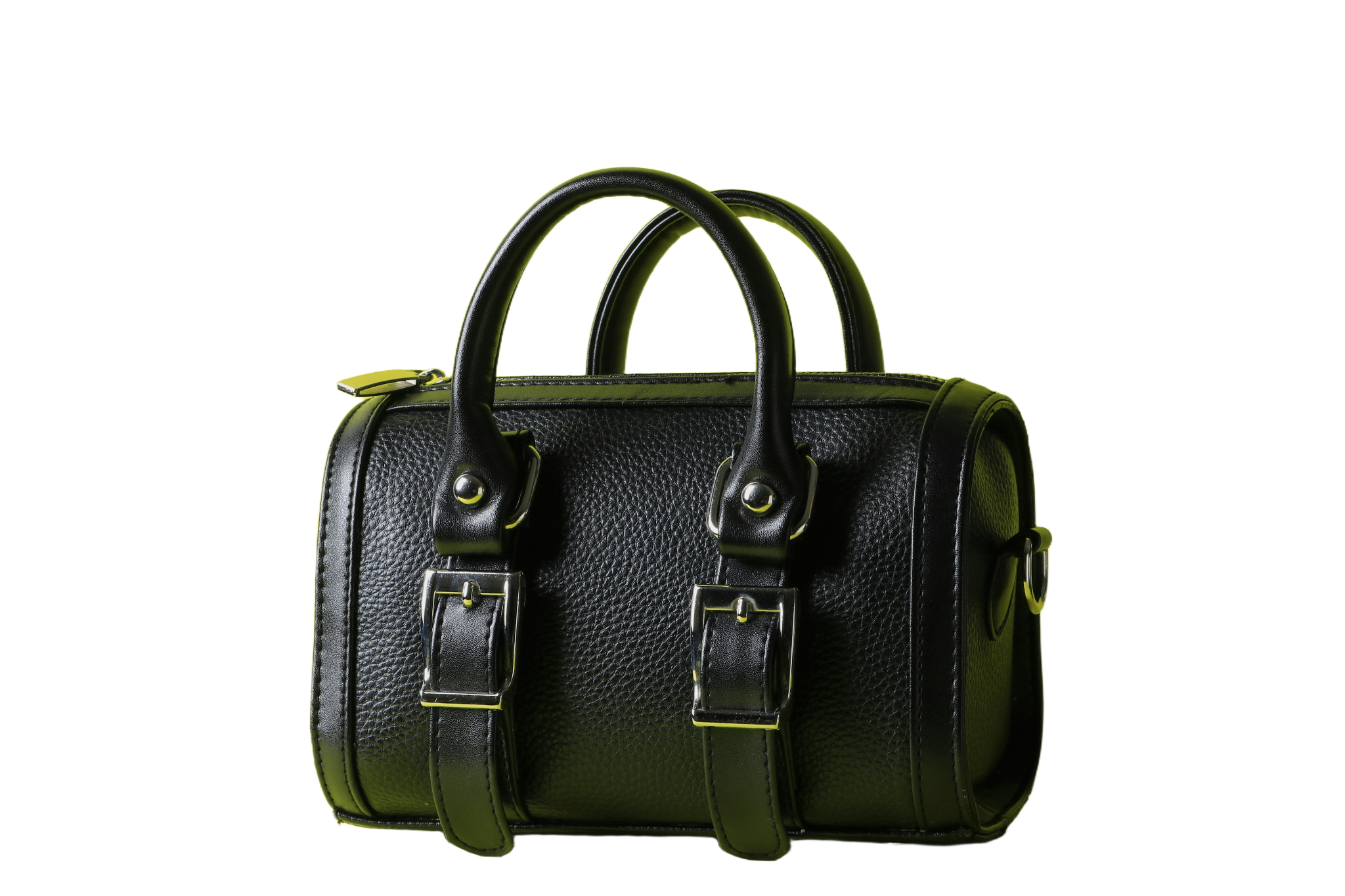
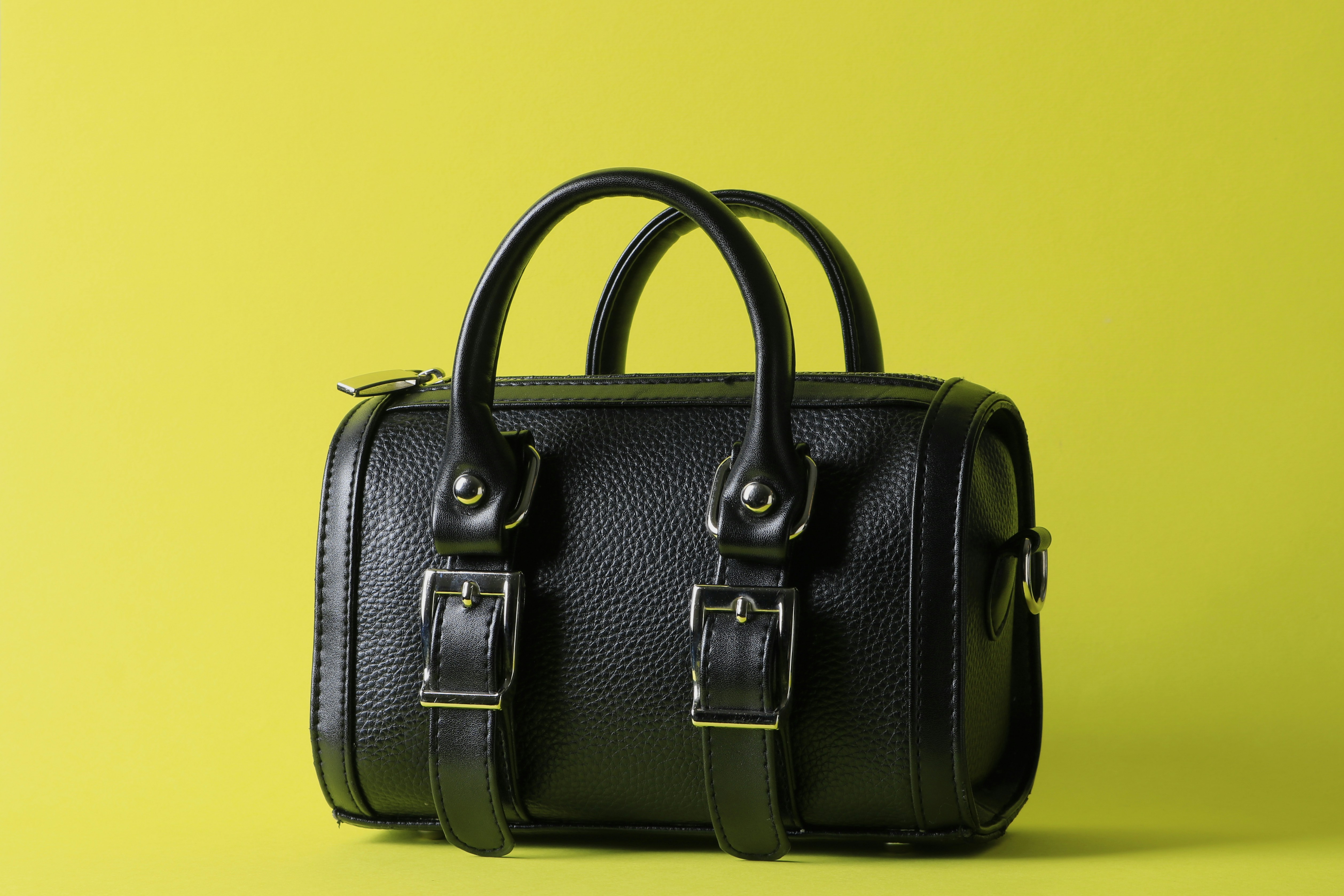
Objects, cut at resolution. Bags, chairs, plates, and tools come out of the scene with edges that hold when the image is enlarged.




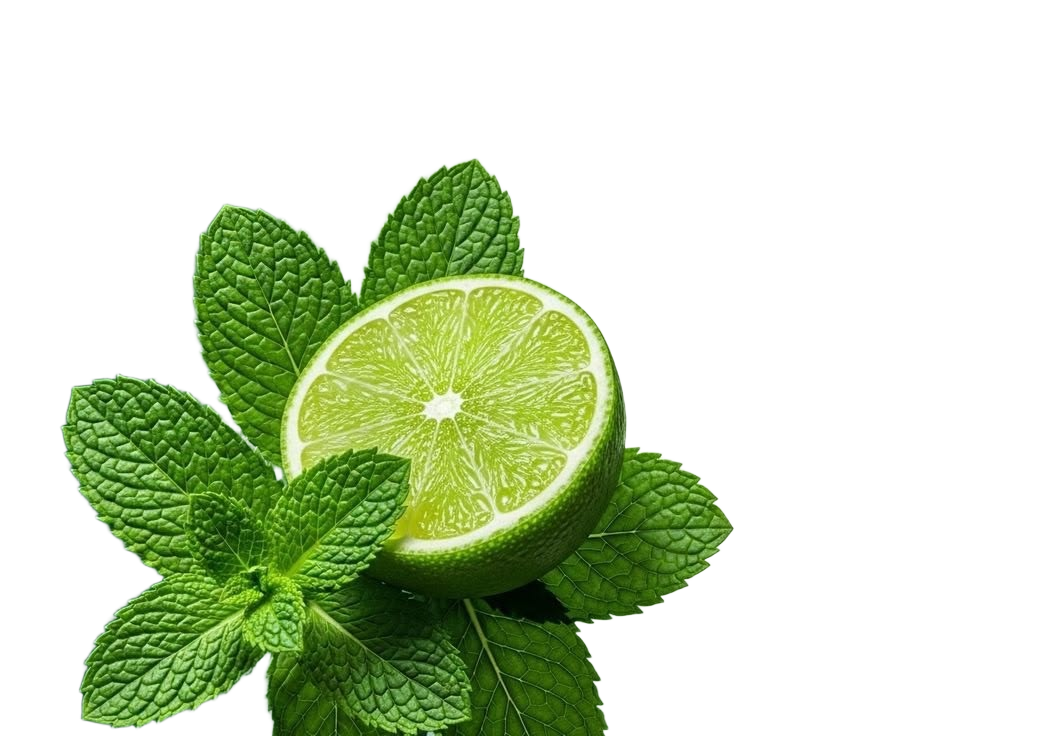
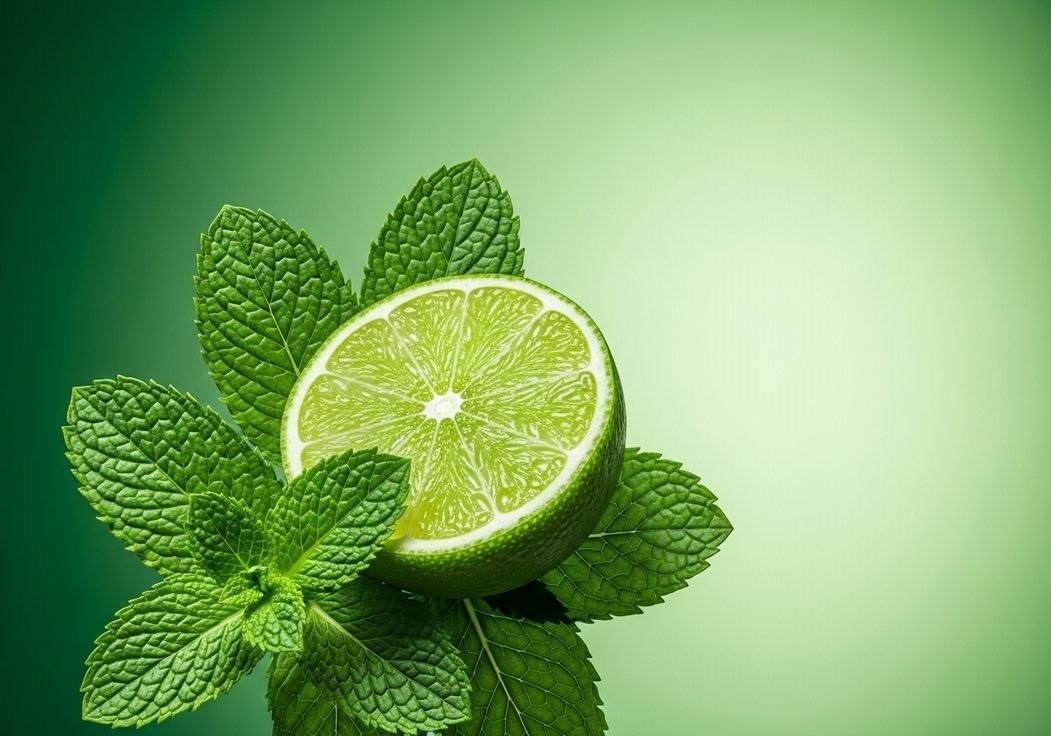
Big layouts need big cutouts.
A small preview hides soft edges. A full-size PNG does not. Passprint returns the subject at upload resolution so the same file works on a hero banner, a print sheet, and a product page without another pass.
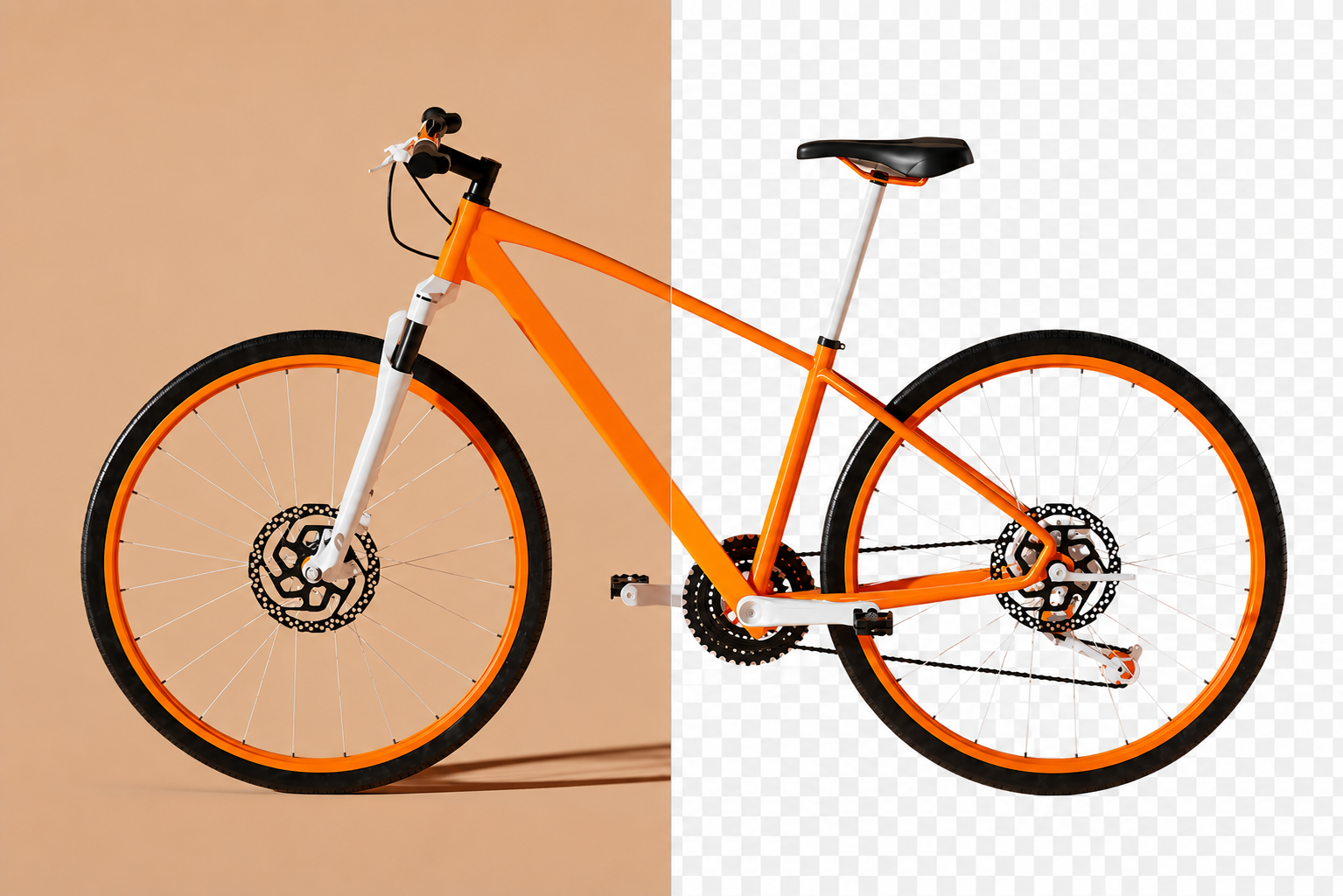
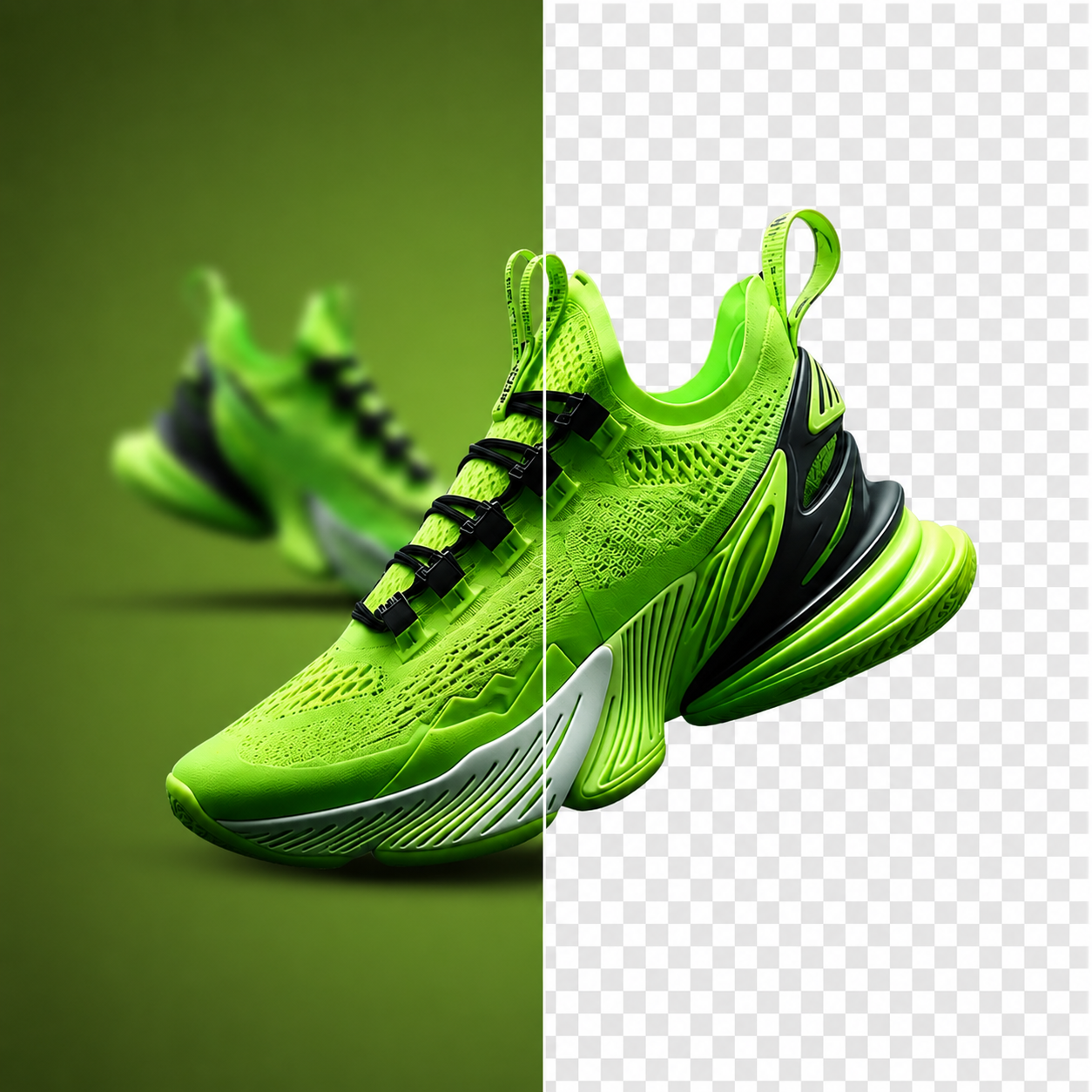
A product that survives a zoom.
Clear the table and props around an item and keep the detail a shopper sees when they open the full-size image.
.png)
Food that still looks close.
Take the counter out of the frame and keep the texture on the plate, even when the shot runs across a full menu spread.
.png)
Fabric detail stays fabric detail.
Pull a coat or dress off the studio wall behind it while the weave, stitching, and hem lines hold at full resolution.
.png)
Portraits that scale up well.
Remove the original setting around a person and keep enough detail for a poster, cover, or full-width web header.
.png)
Accessories with their edges intact.
Lift bags and small goods off a busy surface and keep the hardware, straps, and stitching readable at large sizes.
.png)
Furniture ready for print.
Cut a sofa or table free of the room it was shot in and keep the outline clean enough for a printed catalog page.
.png)
Labels that stay legible.
Keep the bottle, tool, or package and clear the rest, with enough resolution left for the label to be read on screen.
.png)
One HD file, every output.
With the background gone at full size, the subject can move into a poster, deck, listing, or press kit without a second export.
FAQs
How HD output works, what you can download, and what comes next.
What people say after downloading
Reviews from people who used Passprint. Same list on every page.
Need it full size? Start here.
Upload an image and check the HD cutout yourself. No account needed to try it.
More ways to remove a background
Same tool, written for a different job. Pick the page that matches what you are cutting out.