

Product photos without the table.
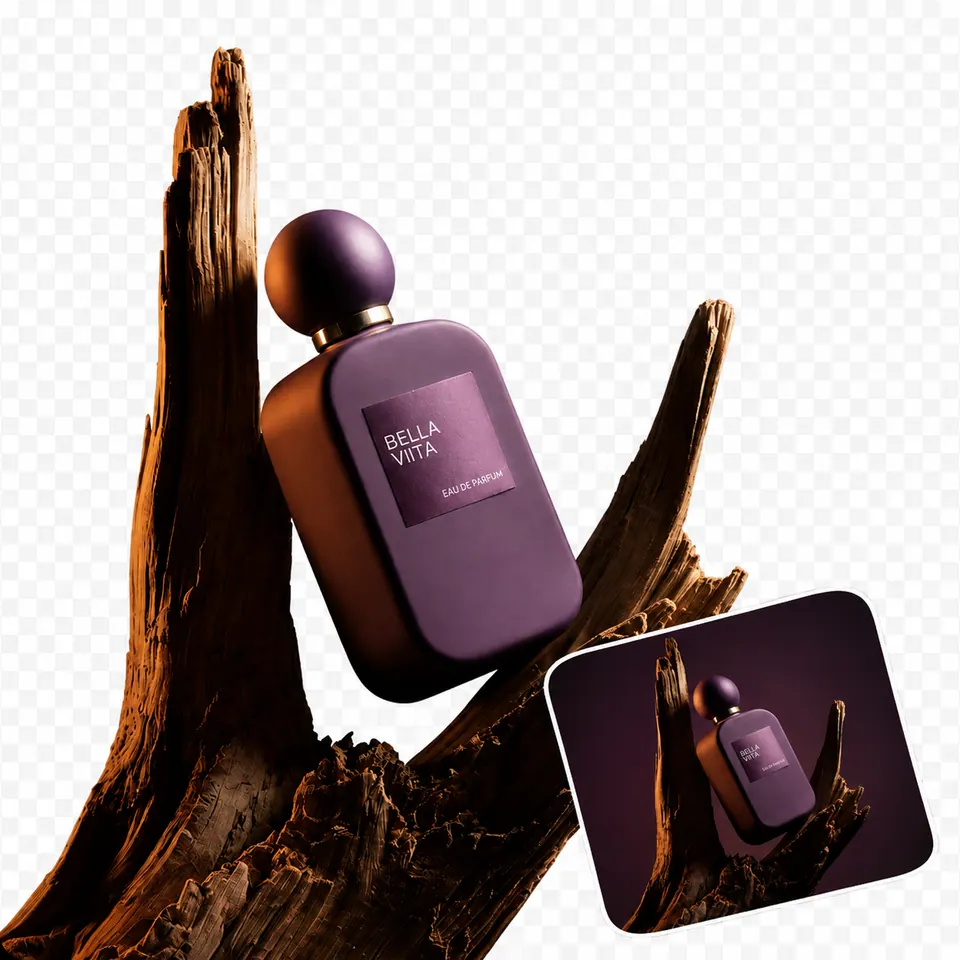
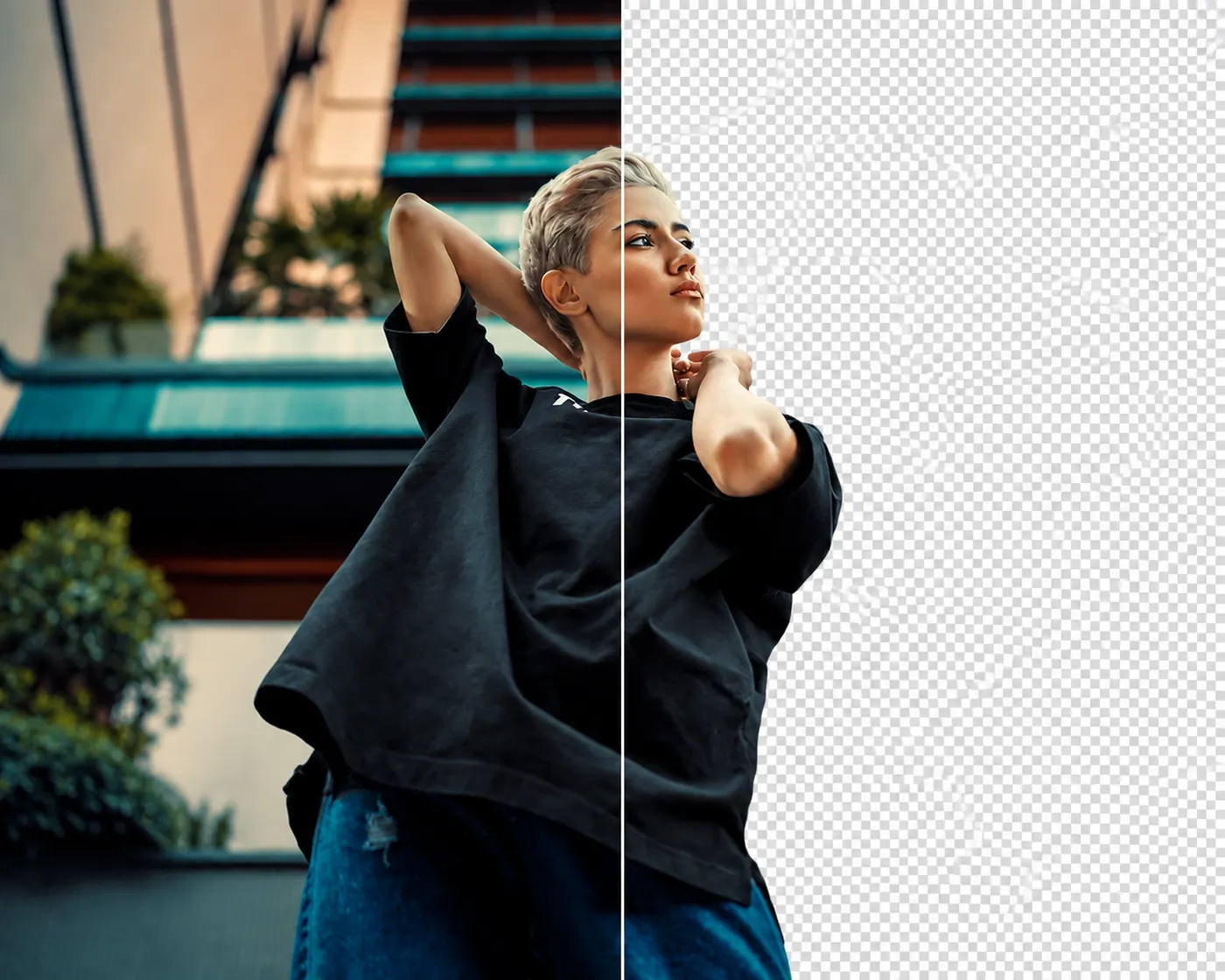
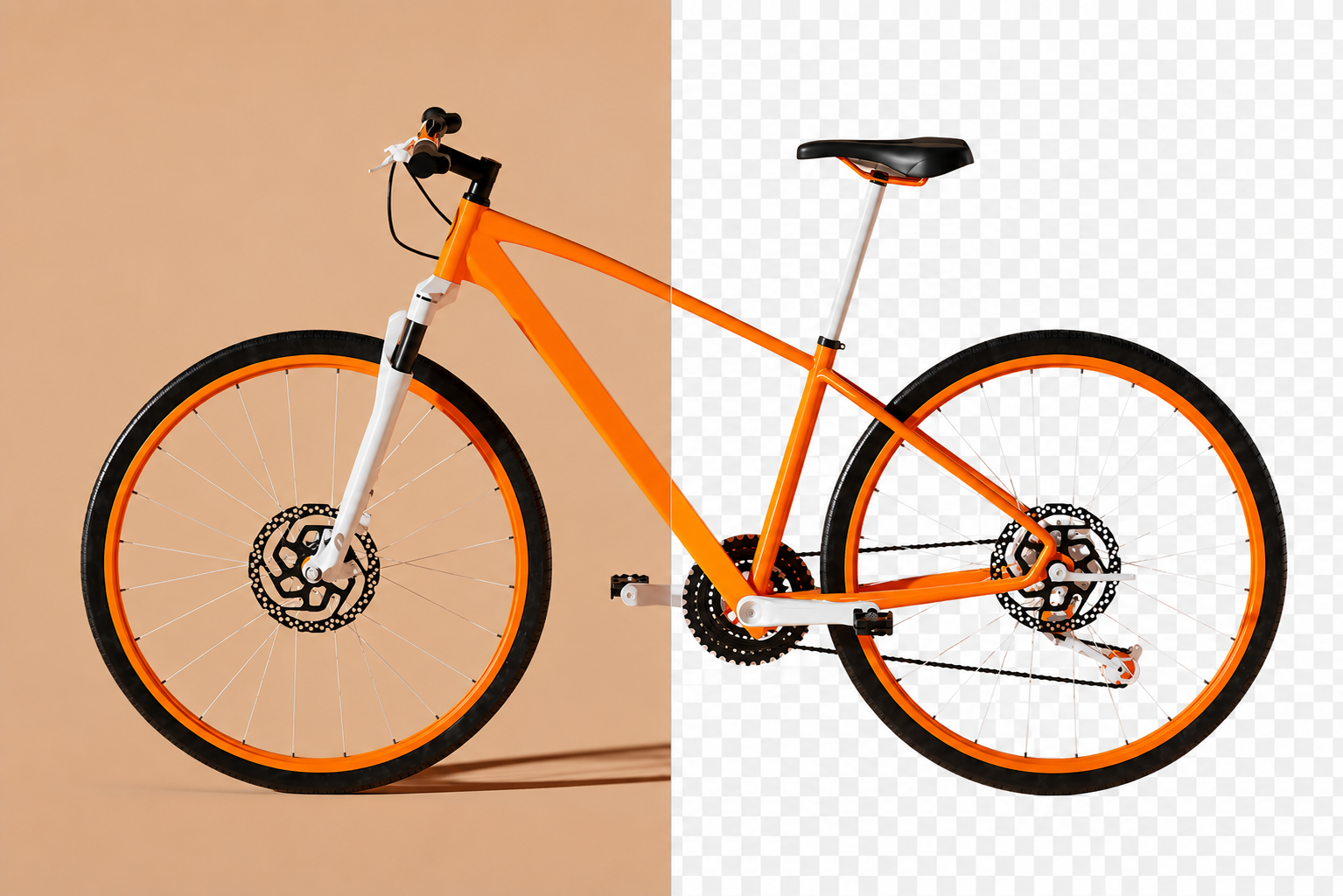
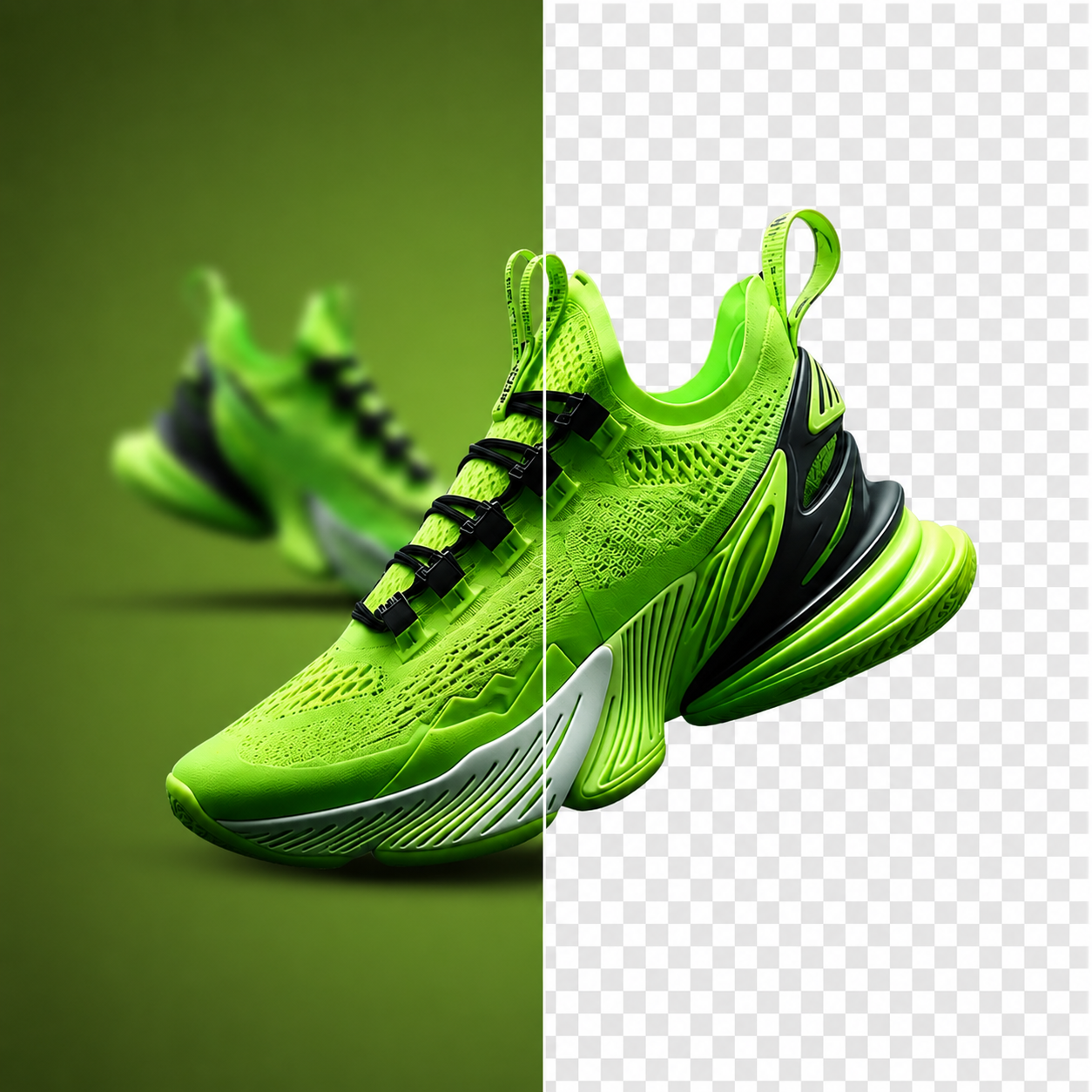
Most product shots carry a room with them. A desk edge, a shadow, a wall in the wrong colour. Passprint keeps the item and clears the rest. Upload a photo and leave with a transparent PNG that sits cleanly on any store page.
Try it free. No account required.
No picture on hand? Try with one of these
Three steps to a listing image.


Cutouts by subject
Models, without the set. Keep the person wearing or holding the product and clear the room that came with the shot.
Products, ready for the grid. Lift an item off the surface it was shot on so it matches every other photo on a store page or catalog spread.
Apparel, cleanly separated. Keep the garment and remove the rail, wall, or floor behind it without tracing along each seam by hand.
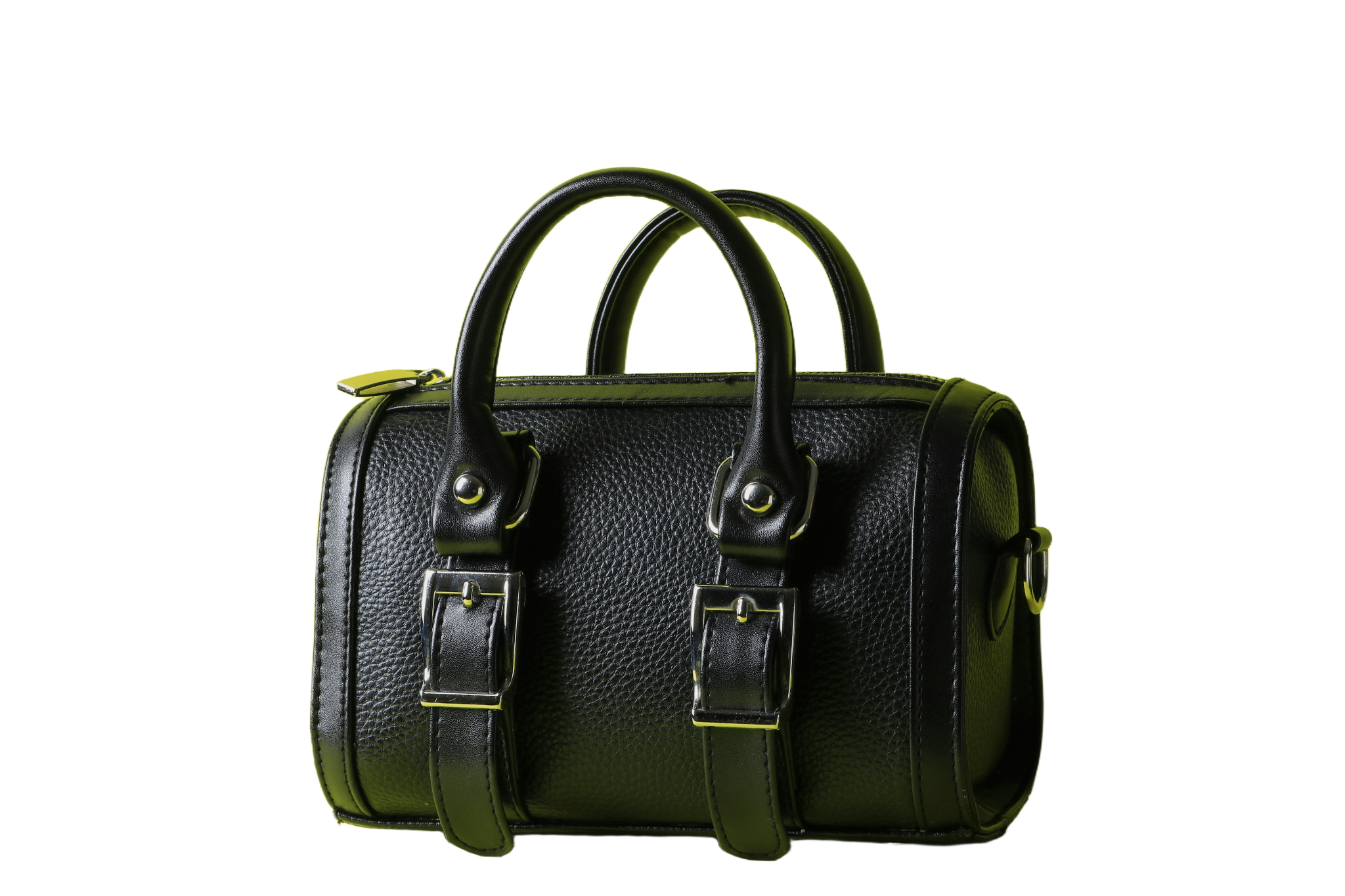
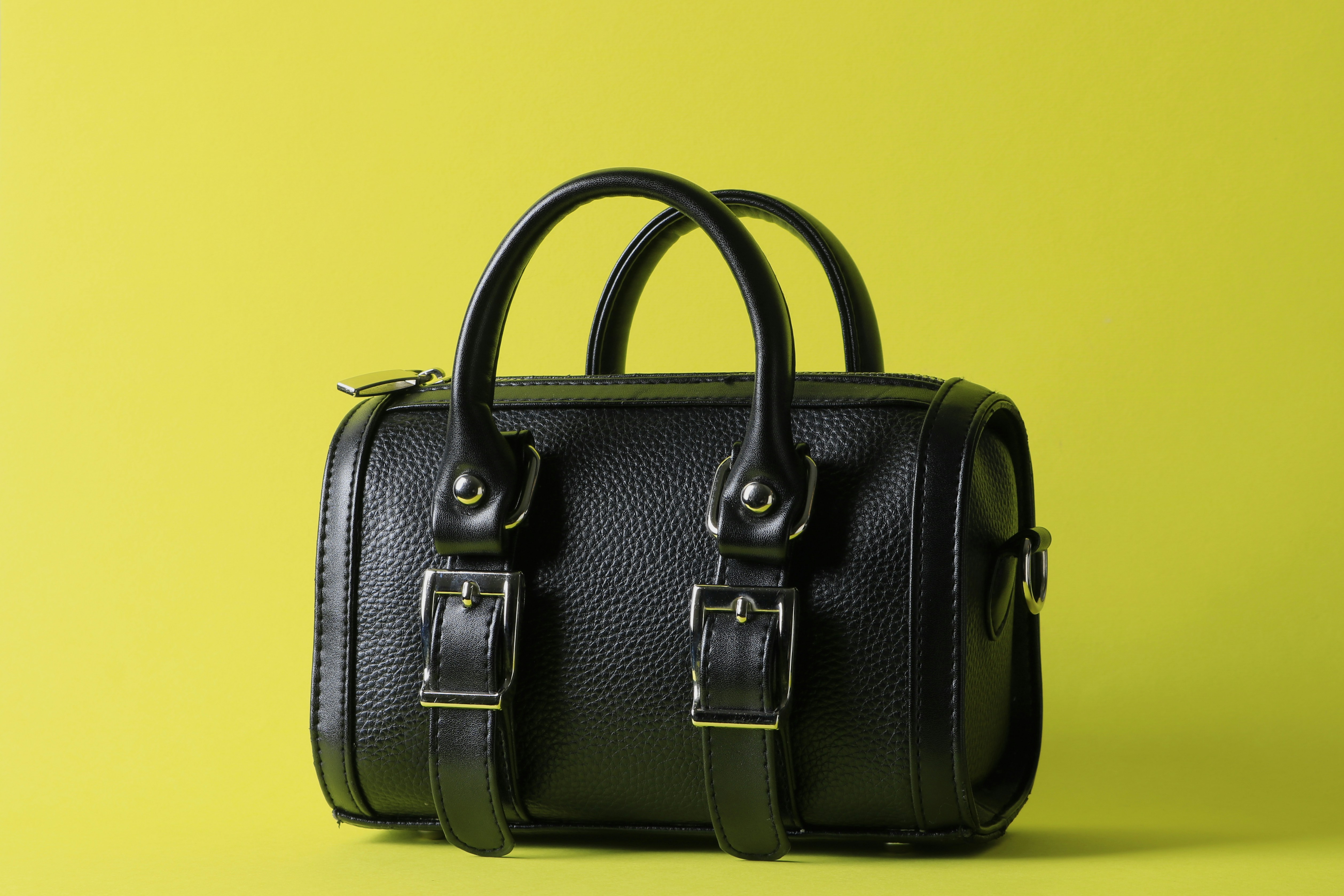
Stock items, isolated. Bags, chairs, plates, and tools come out of the original scene and sit ready for a consistent product layout.






Every listing looks the same.
Marketplaces reward consistency. Once the original surface is gone, each item can sit on the same white field at the same scale, so a catalog looks assembled on purpose rather than shot in six different rooms.
A product page that reads clearly.
Clear the table, prop, and shadow around an item so the only thing a buyer studies is the product itself.
.png)
Food listings that stay appetising.
Take the counter out of the frame and keep the plate ready for a delivery listing, menu card, or promotional banner.
.png)
Apparel ready for the rail.
Pull a coat or shirt off the studio wall behind it and keep the hem and stitching intact for a size grid.
.png)
Lifestyle shots into clean frames.
Remove the original setting around a model and place the subject on a plain field that matches the rest of the range.
.png)
Accessories, evenly presented.
Lift bags and small goods off a cluttered surface so hardware and straps sit clearly against a consistent product background.
.png)
Furniture out of the showroom.
Cut a sofa or table free of the interior it was photographed in and place it on a plain field for a catalog page.
.png)
Packaging, front and centre.
Keep the bottle, box, or tool and clear the rest so the label and shape carry the listing without visual competition.
.png)
One cutout, every channel.
With the surface gone, the product moves into a marketplace listing, an ad set, a printed catalog, or an email without a reshoot.
FAQs
How product cutouts work, what you can download, and what comes next.
What people say after downloading
Reviews from people who used Passprint. Same list on every page.
Got a product shot? Clear it.
Upload an image and see the listing-ready cutout. No account needed to try it.
More ways to remove a background
Same tool, written for a different job. Pick the page that matches what you are cutting out.