

A background remover that respects the subject.
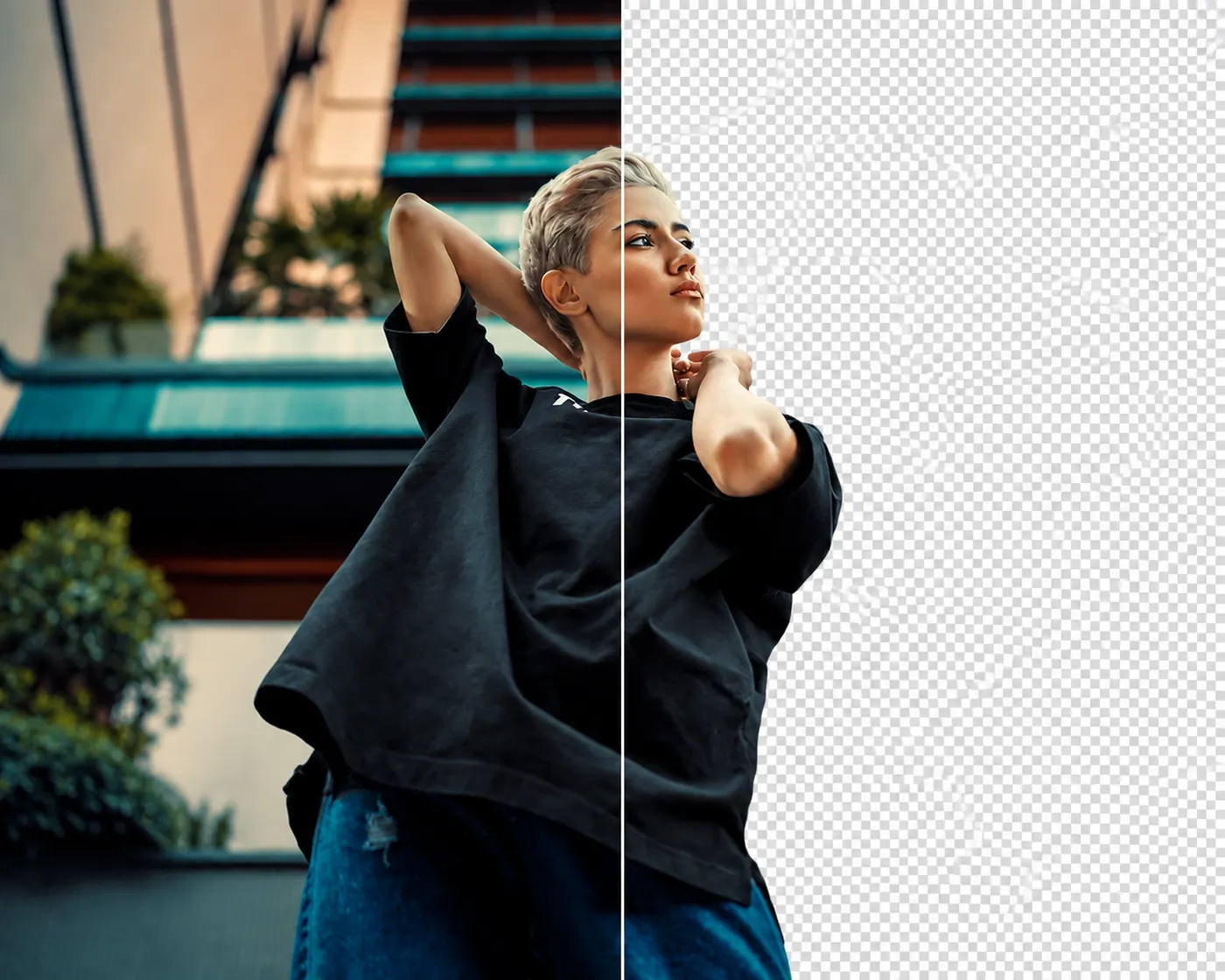
Point it at any photo and the subject stays while the rest goes. Rooms, walls, tables, and passing traffic drop out. Upload one image and leave with a transparent PNG. There is no mask to paint and nothing to trace.
Try it free. No account required.
No picture on hand? Try with one of these
Three steps to a clean cutout.


Cutouts by subject
People, lifted out cleanly. Crowded rooms, plain walls, and street clutter come away while the person keeps focus and shape.
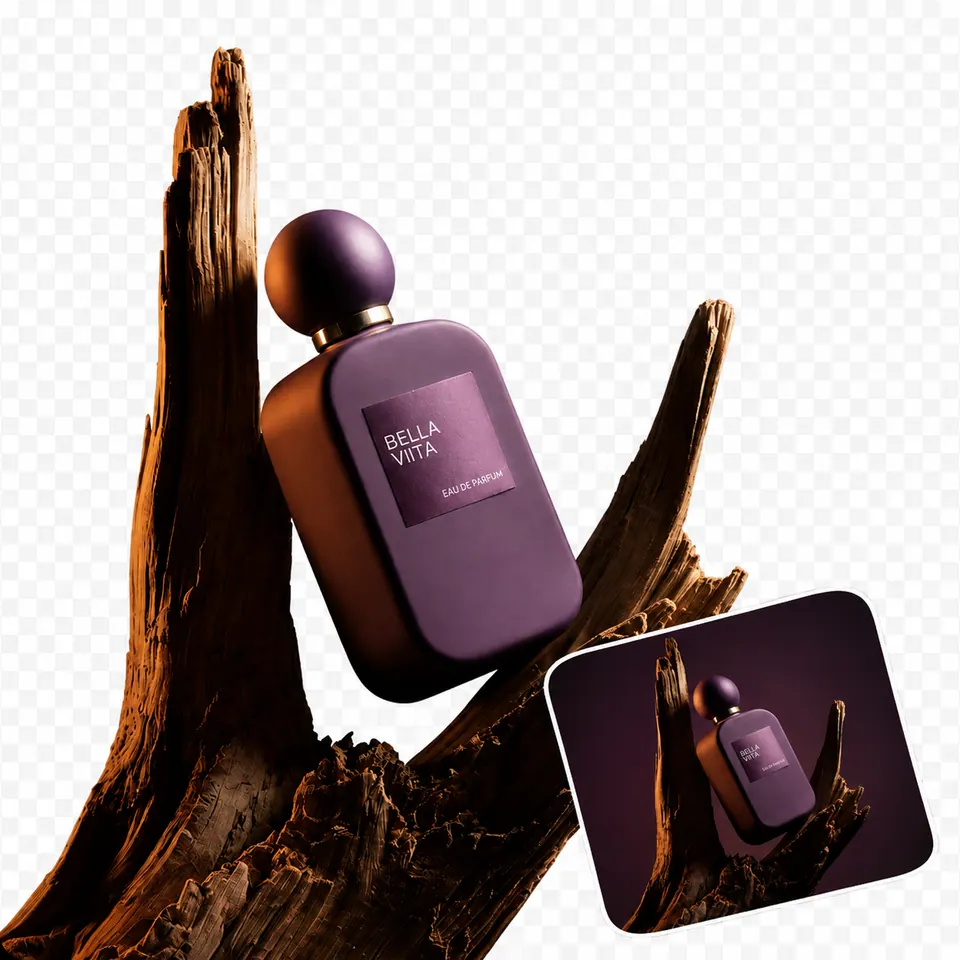
Products, ready to reuse. Separate an item from the surface it was shot on so it can move into a listing, catalog, banner, or ad.
Garments, cut with care. Keep the jacket, dress, or shirt and clear the studio behind it without tracing a single edge by hand.
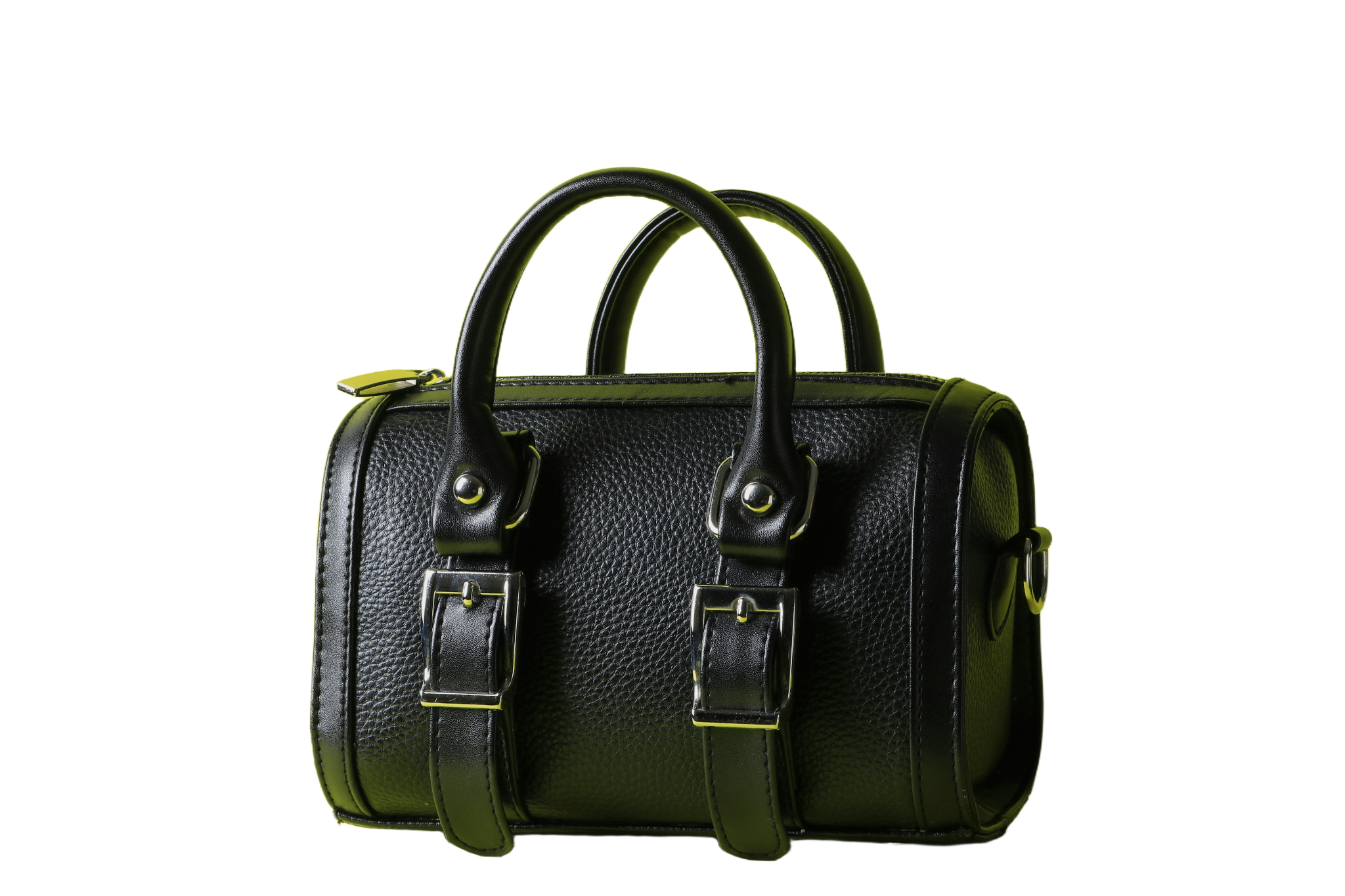
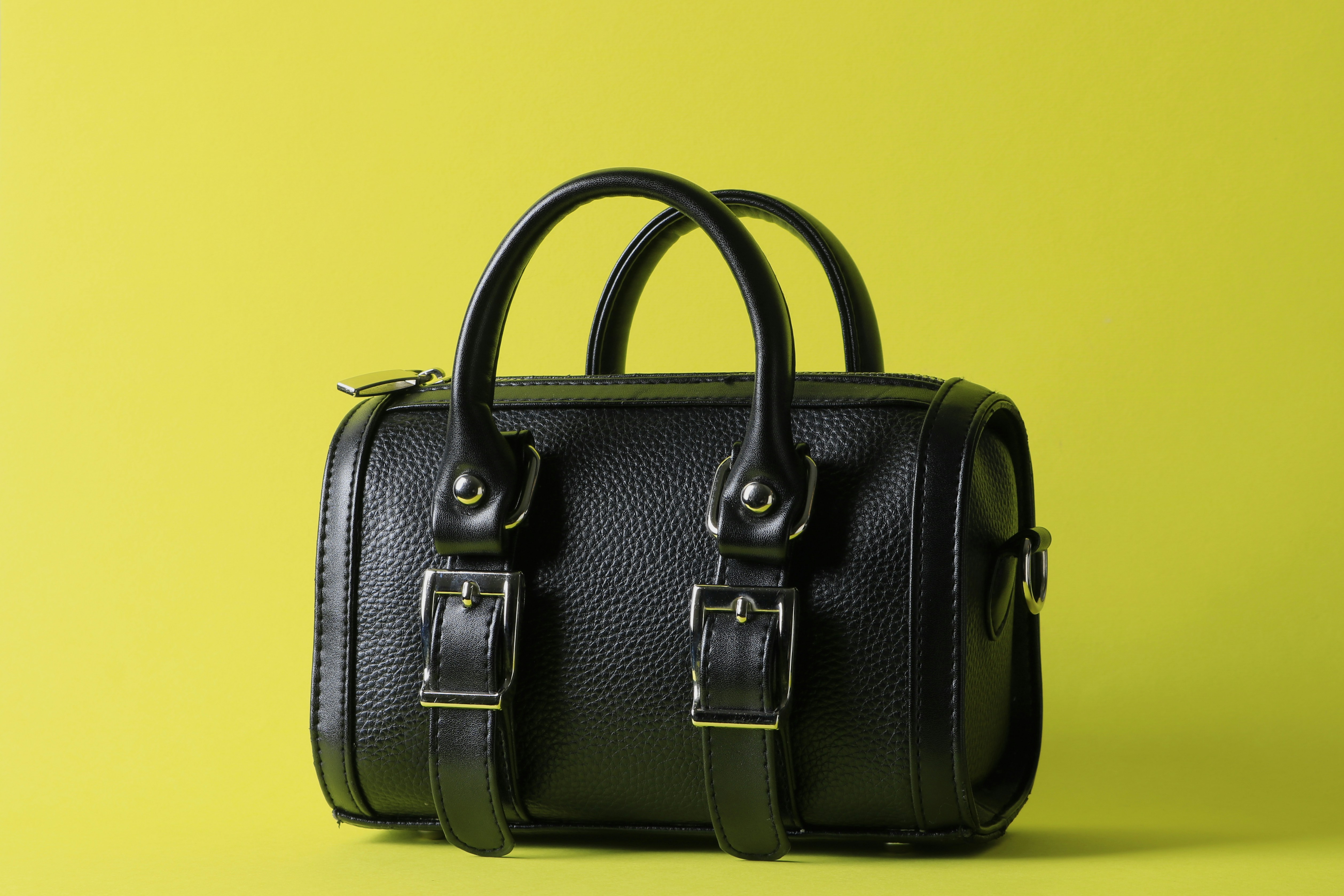
Objects, on their own. Bags, chairs, plates, and tools come out of the original scene and sit ready for a fresh background or grid.




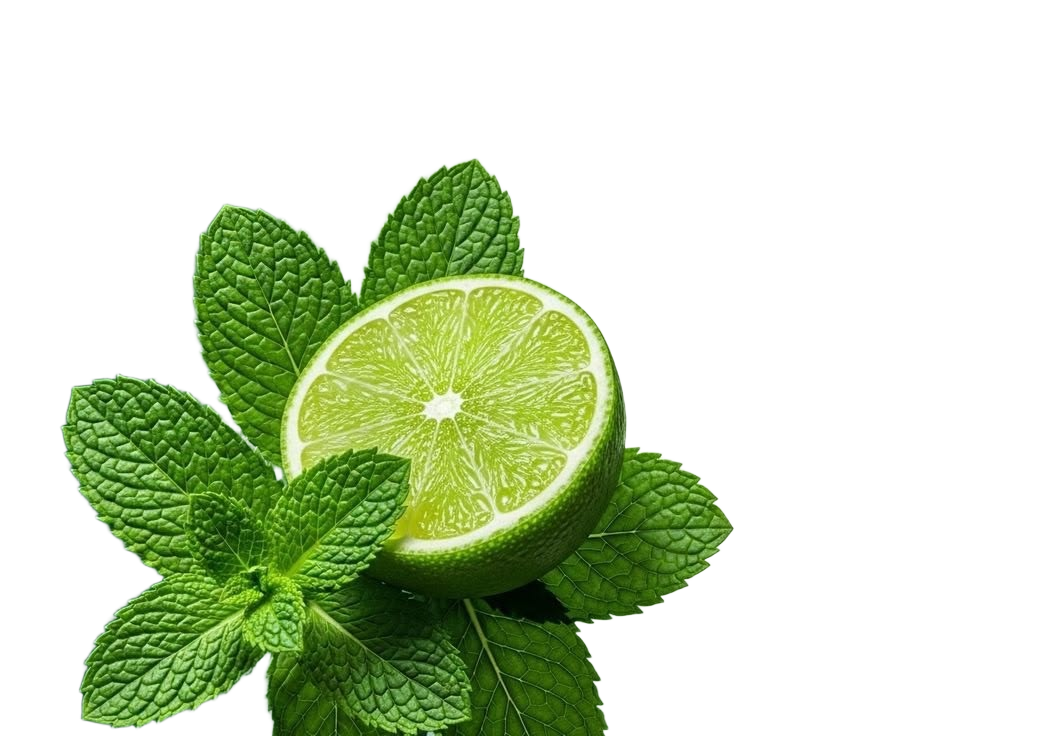
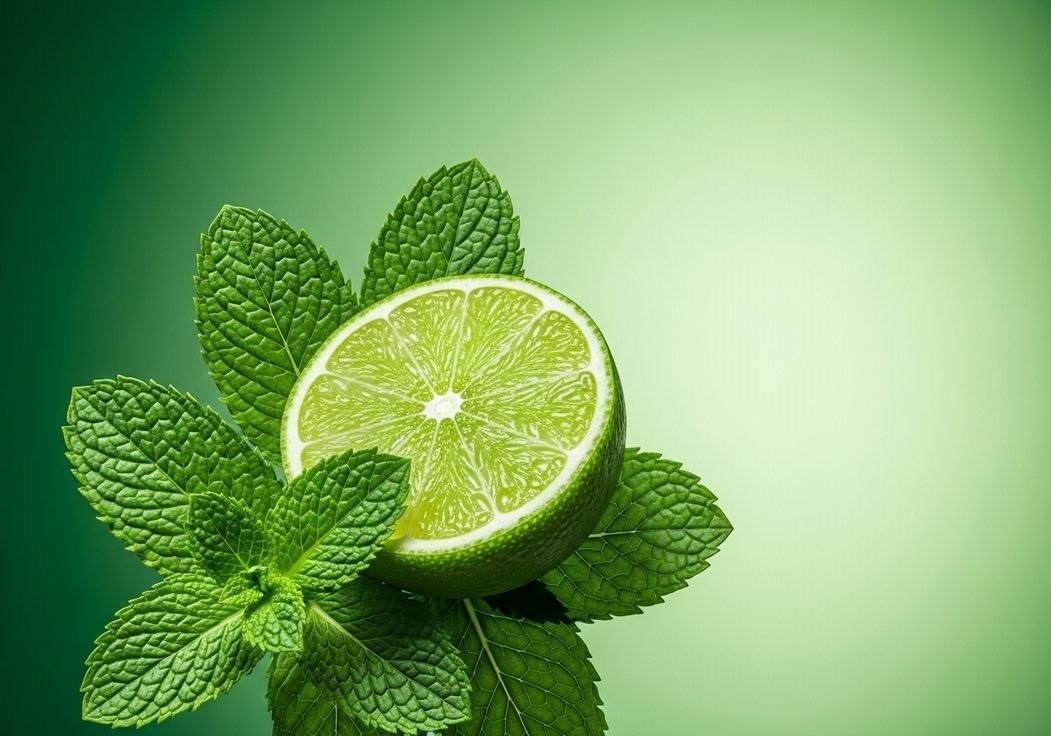
One cutout, many places.
Strip the original backdrop and the subject becomes portable. Drop it on white for a store page, on colour for a campaign, or into a deck. The same file follows you from one design to the next.
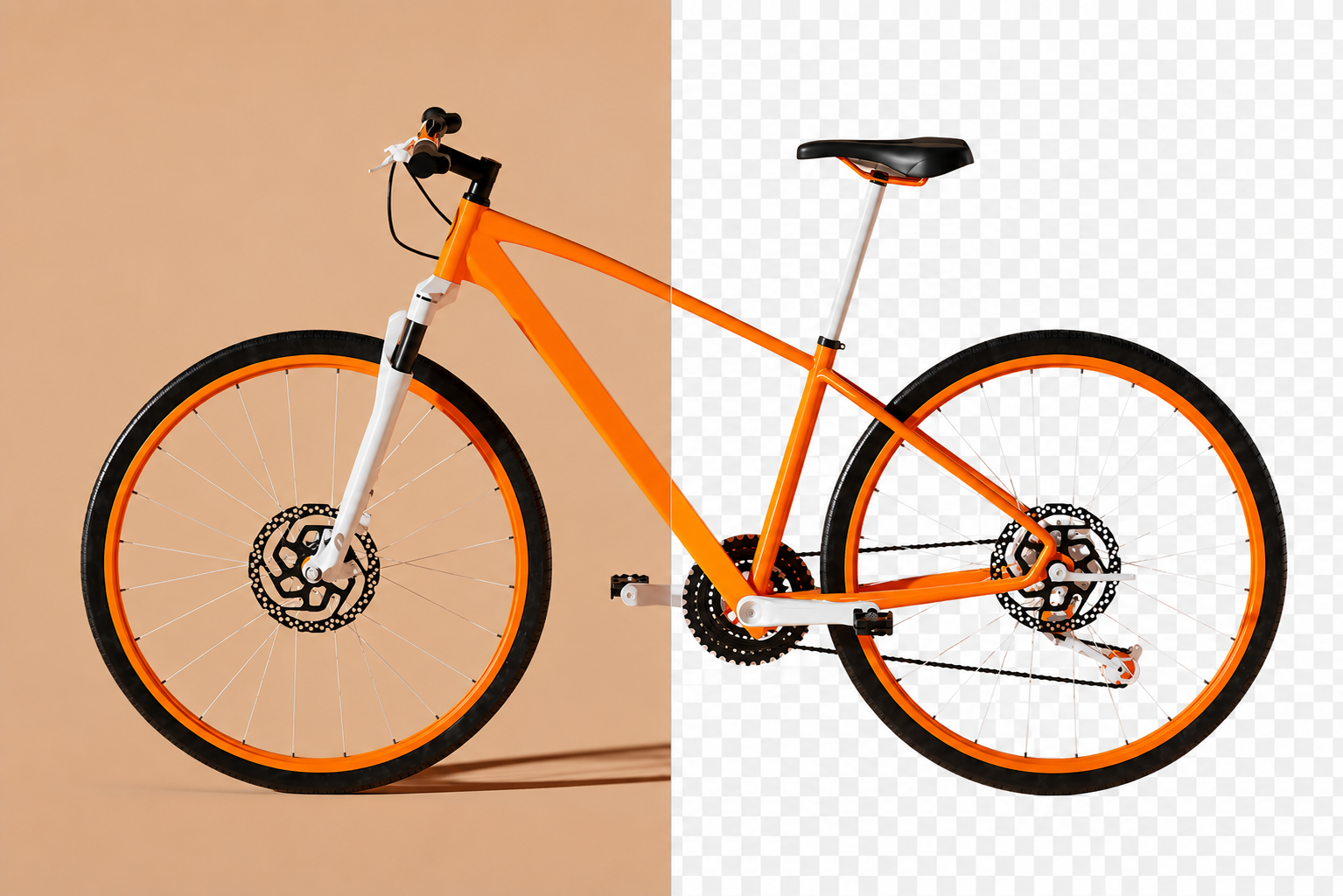
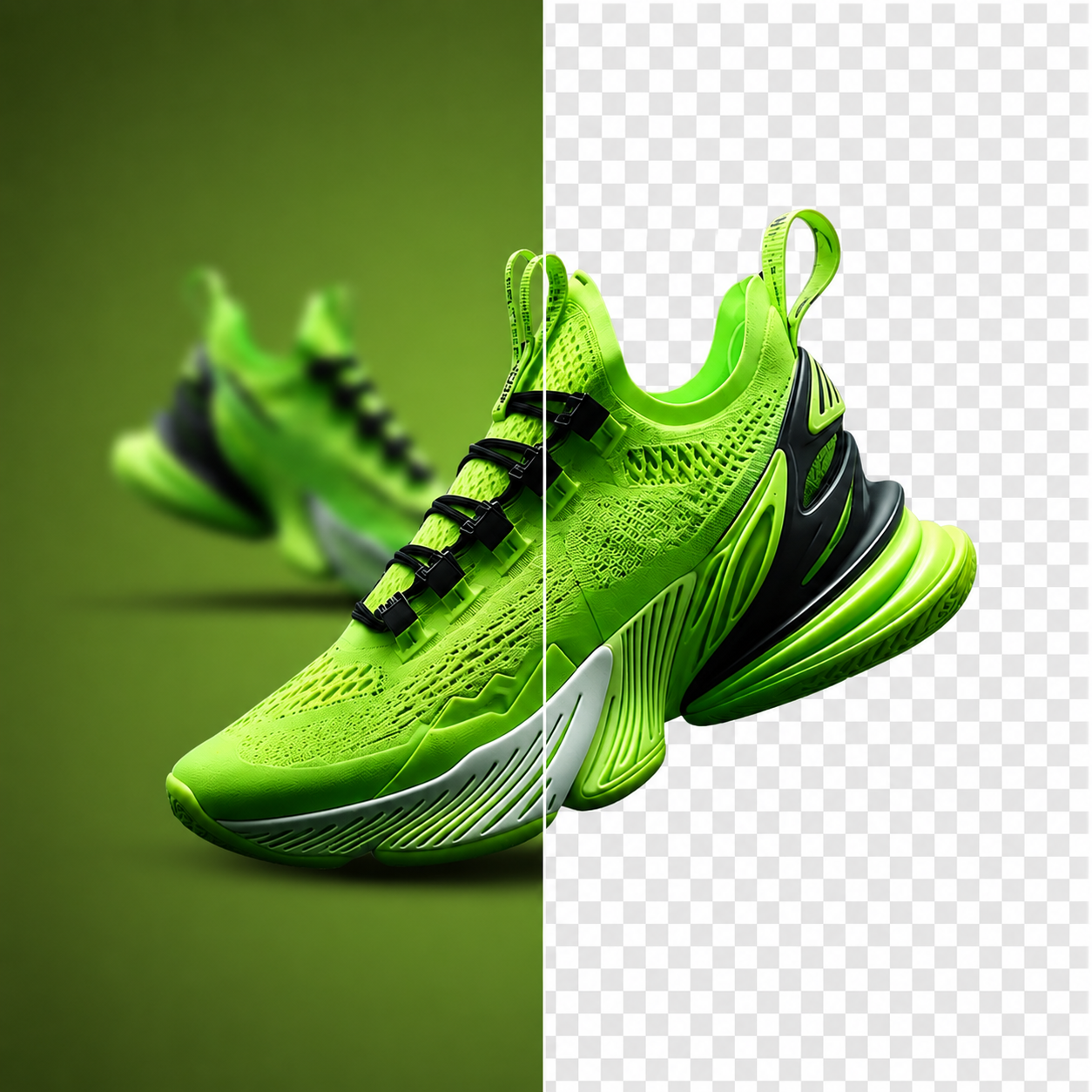
A product that reads clearly.
Clear the table, room, or prop around an item so the product is the only thing left for a buyer to look at.
.png)
Let the dish carry itself.
Take the counter and clutter out of food photography and keep the plate ready for a menu, post, listing, or print sheet.
.png)
Keep the garment, drop the room.
Pull a coat, shirt, or dress away from the studio behind it and keep the fabric edges intact without hand tracing.
.png)
Move the person, not the wall.
Take away the original setting around a person so the portrait can sit in a new layout, backdrop, or composition.
.png)
Give the accessory room to breathe.
Lift bags, belts, and small goods out of a busy surface so they sit calmly on a product page or campaign frame.
.png)
Relocate the object, keep the shape.
Cut furniture and household pieces free of the room they were shot in and place them into a different interior or grid.
.png)
Only the thing itself.
Hold on to the tool, bottle, or everyday object and clear everything around it when the visual needs to stay quiet.
.png)
The cutout is the starting point.
With the background gone, the subject is ready for a poster, deck, social post, store listing, or any project you open next.
FAQs
How the cut works, what you can download, and what comes next.
What people say after downloading
Reviews from people who used Passprint. Same list on every page.
Have a photo? Drop the background.
Upload an image and look at the cutout yourself. No account needed to try it.
More ways to remove a background
Same tool, written for a different job. Pick the page that matches what you are cutting out.