

Take the white box off your logo.
A logo saved as a flat JPG carries a white square everywhere it goes. Passprint keeps the mark and clears the block behind it. Upload the file you have and leave with a transparent PNG that sits on any colour you need.
Try it free. No account required.
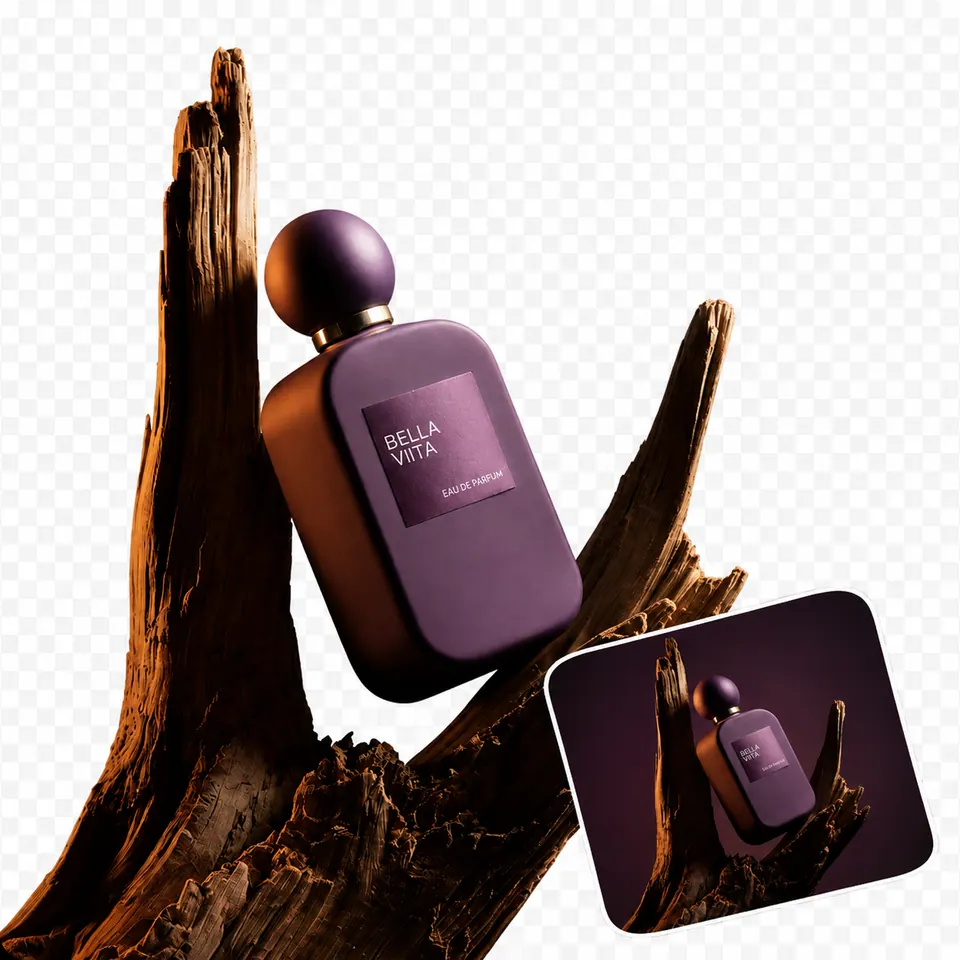
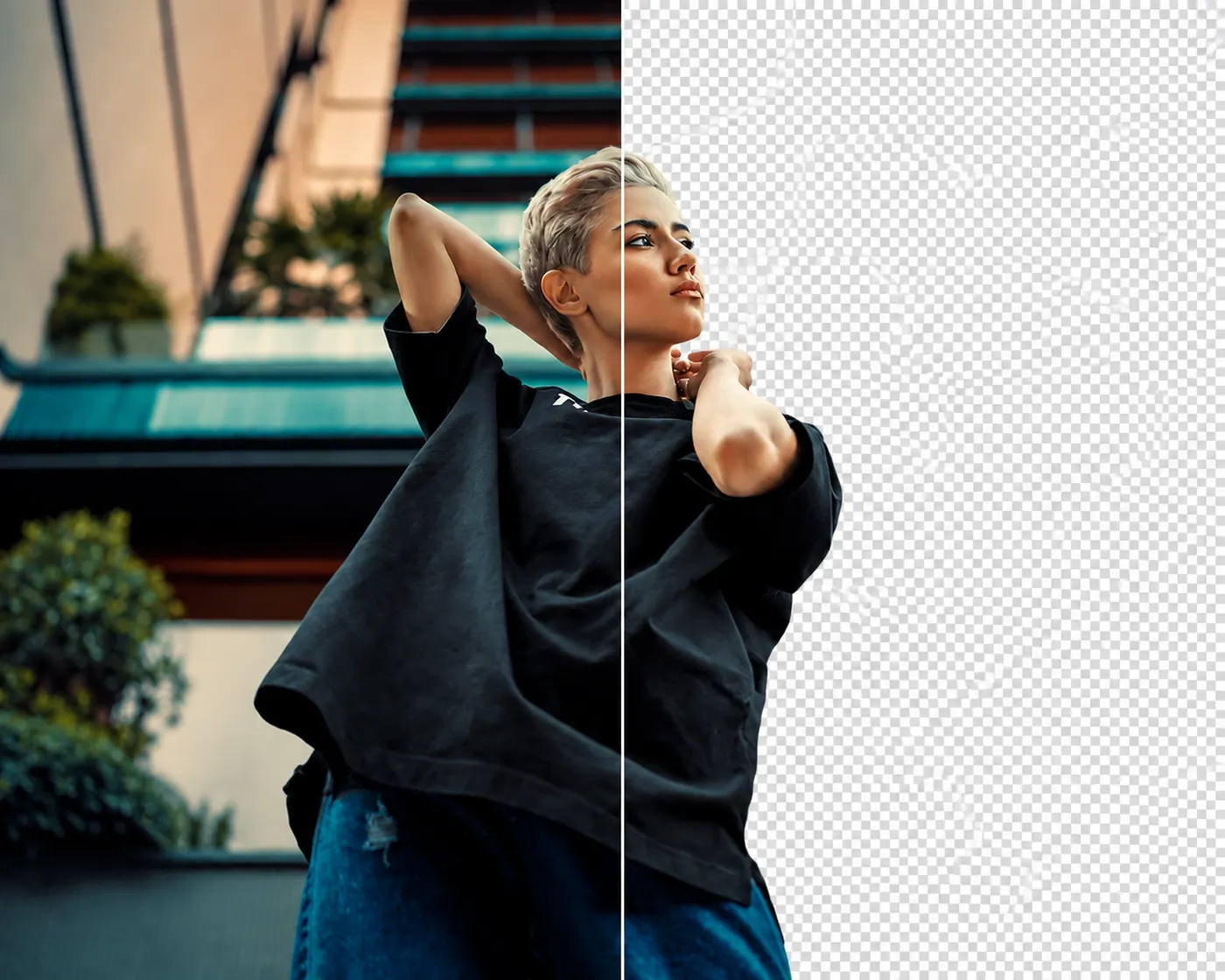
No picture on hand? Try with one of these
Three steps to a clean mark.


Cutouts by subject
Marks on people shots. Keep a logo lifted from a photo or badge and clear the surface it was printed on.
Logos on packaging. Pull a mark off a box, label, or bottle so it can be reused in a deck, header, or partner page without the print behind it.
Embroidered marks. Keep a logo stitched onto a cap or jacket and remove the fabric around it without tracing each letter by hand.
Signs and prints. Marks on boards, mugs, walls, and stationery come out of the original photo and sit ready for a clean layout.






A logo should sit anywhere.
White boxes show up on dark headers, coloured banners, and photo overlays. Once the block is gone, the same mark drops into a website nav, a slide, a footer, or a print sheet without a visible frame.
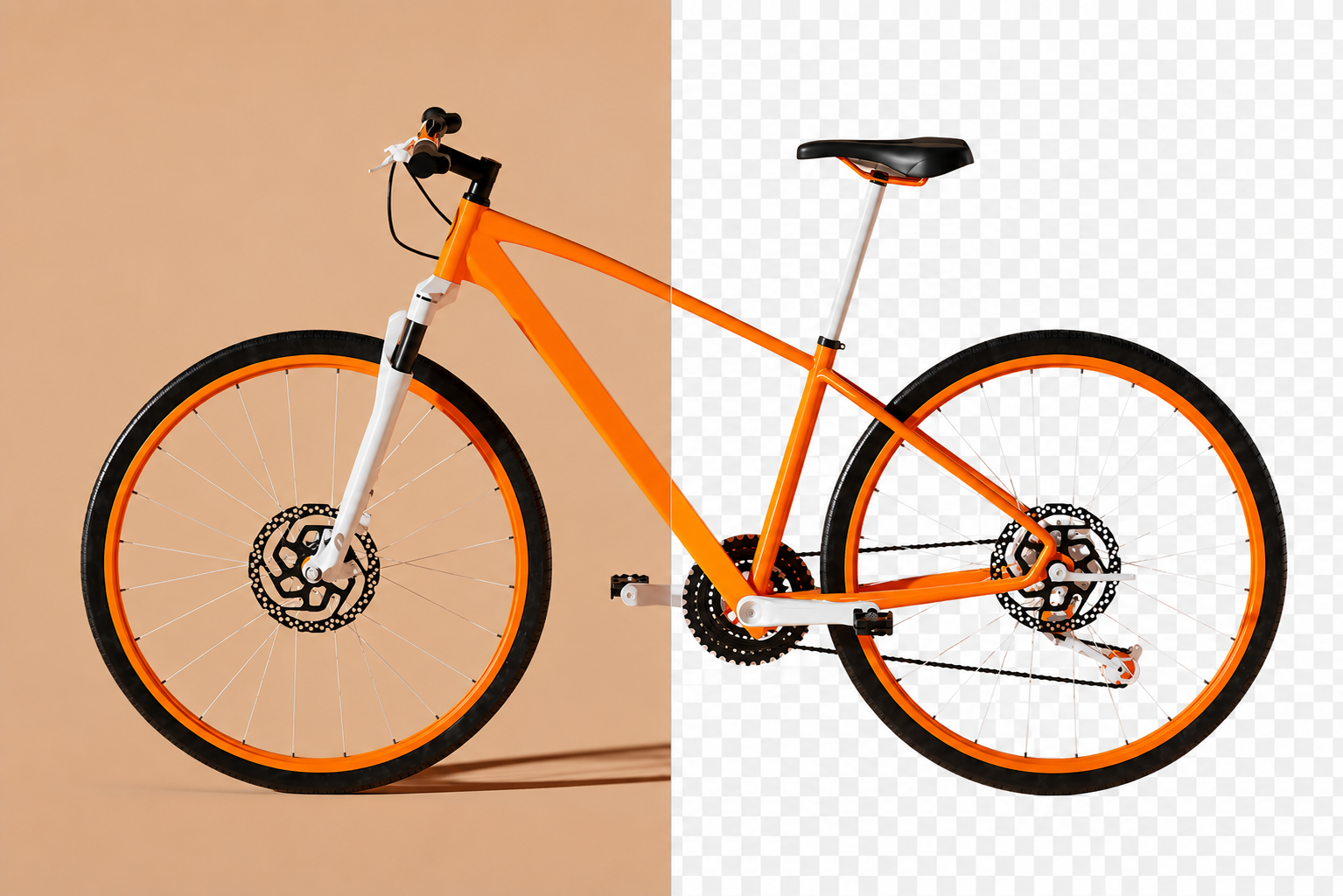
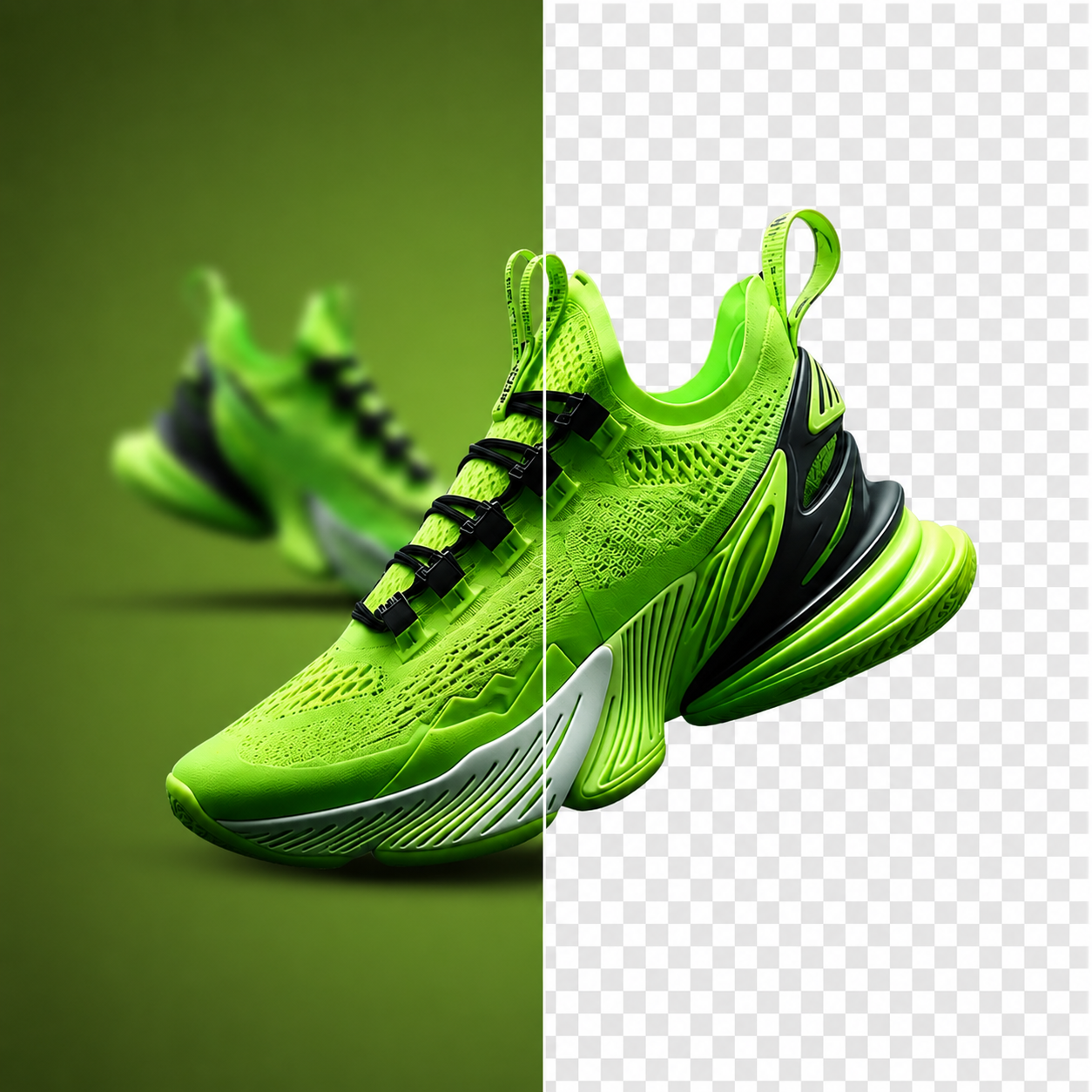
A mark without the panel.
Clear the printed card or panel around a logo so the mark can be placed straight onto a header or slide.
.png)
Branding on menus and prints.
Take the paper behind a printed mark away and keep the logo ready for a menu, poster, label, or promotional sheet.
.png)
Stitched logos, cleanly lifted.
Pull an embroidered mark off the cap or jacket around it and keep the letterforms intact without tracing each curve.
.png)
Team photos into brand slides.
Remove the original setting around a person or badge so the shot can sit beside your mark on a clean brand slide.
.png)
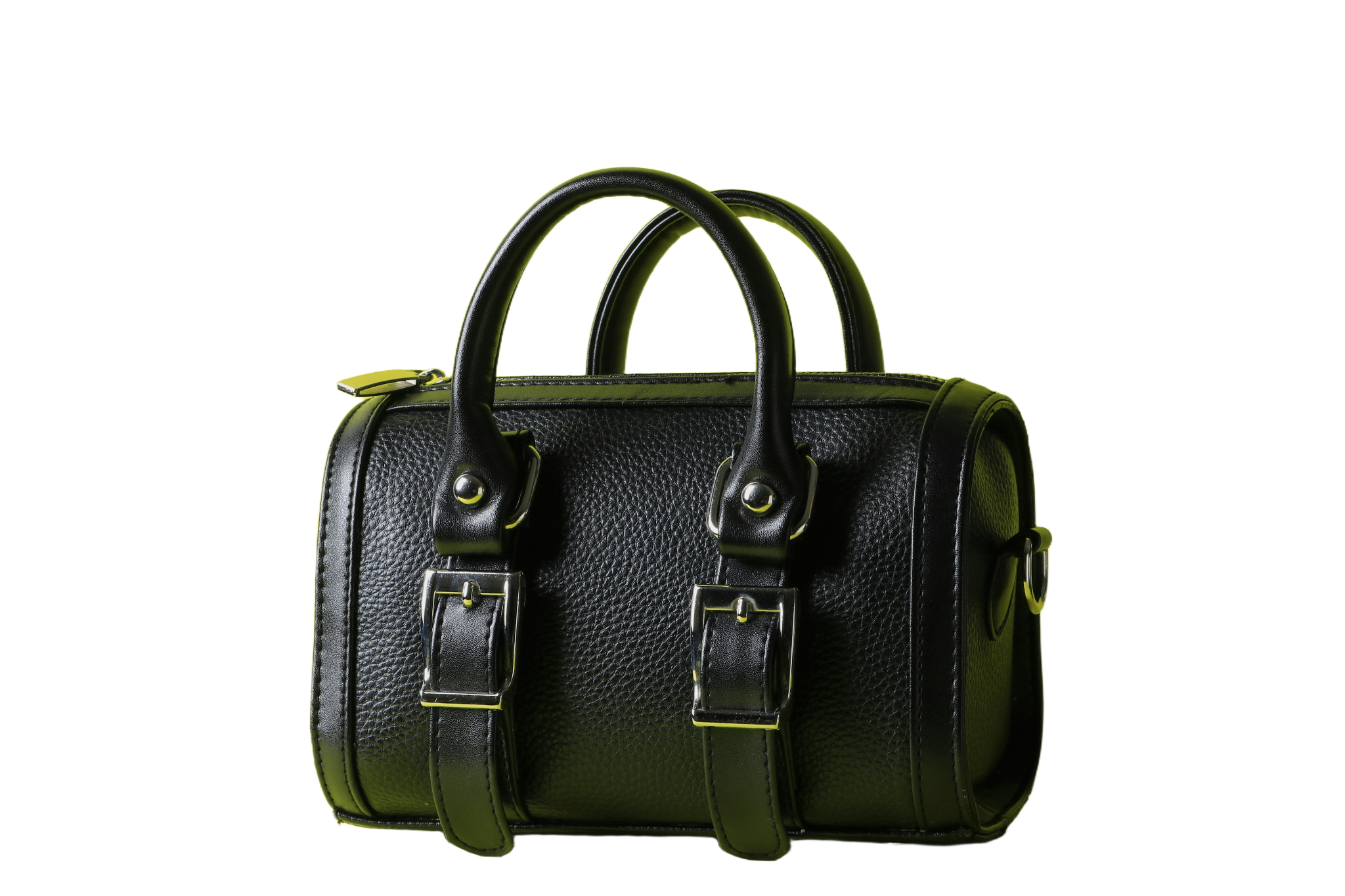
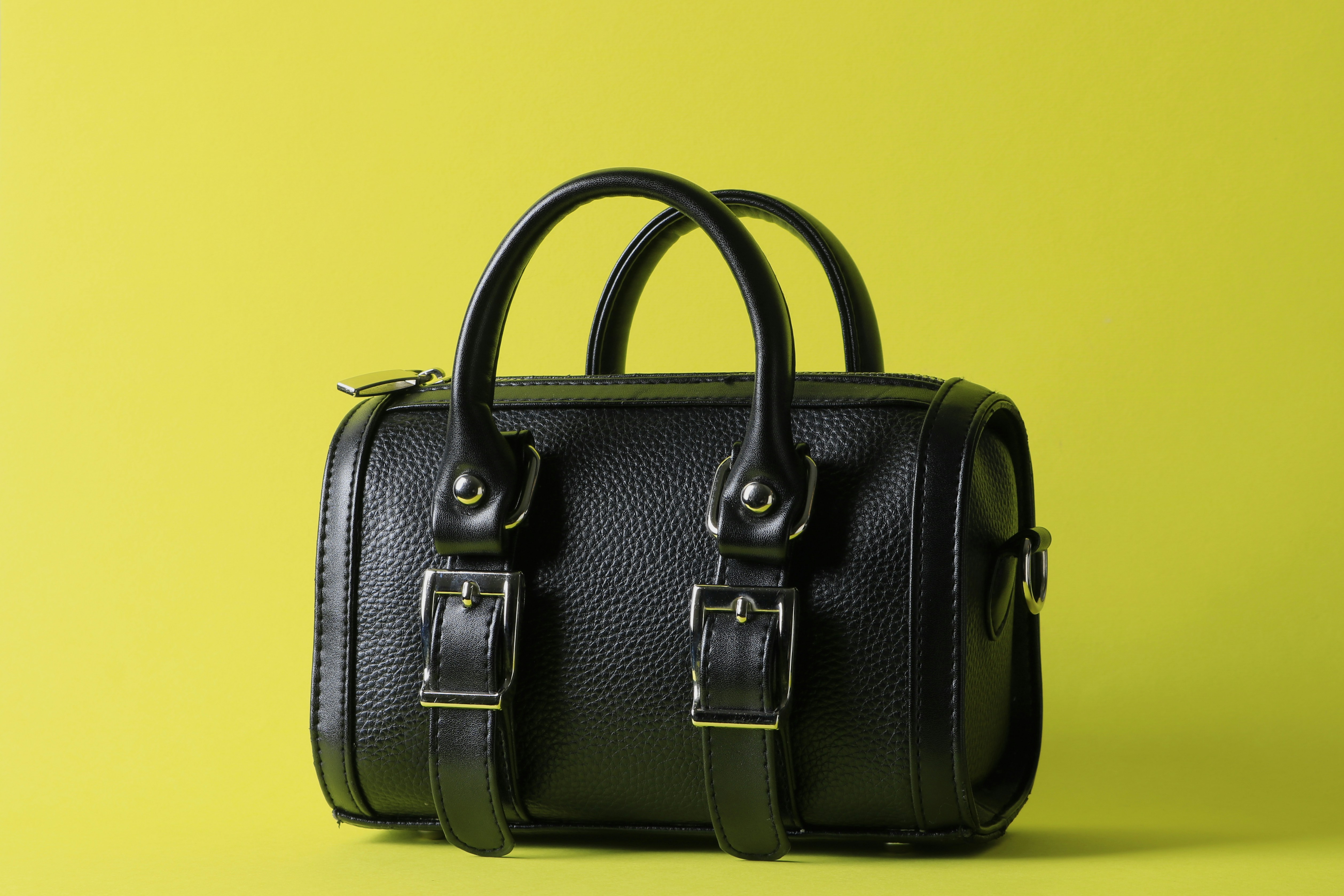
Marks on bags and merch.
Lift a printed logo off a bag or piece of merchandise so it can be reused in a catalog or partner listing.
.png)
Signage out of the room.
Cut a sign or wall mark free of the interior it was photographed in and place it into a deck or case study.
.png)
Label art on its own.
Keep the mark printed on a bottle, can, or box and clear the rest when the logo needs to travel by itself.
.png)
One transparent mark, everywhere.
With the block gone, the logo moves into a website header, a deck, a signature, an invoice, or a printed sheet unchanged.
FAQs
How logo cutouts work, what you can download, and what comes next.
What people say after downloading
Reviews from people who used Passprint. Same list on every page.
Lose the box behind your logo.
Upload the mark and see the transparent version. No account needed to try it.
More ways to remove a background
Same tool, written for a different job. Pick the page that matches what you are cutting out.