

Compress JPEG
JPEG from a phone or camera. Drop the file, pick quality, compare on the slider, then download. Compression runs on your device. Nothing is uploaded.
How to compress a JPEG
JPEG, and the formats next to it
Stay on JPEG, or switch to WebP or AVIF if you need a smaller file for the web.
JPEG
Photos from a camera or phone. Quality 80 is a sane default.
PNG
Keep PNG for flat graphics. Photos should leave as JPEG or WebP.
WebP
Usually smaller than JPEG at the same look.
AVIF
Smaller still. Slower on older laptops.
Same photo. Smaller JPEG or WebP.
Six camera and phone exports. Drag the slider on each to compare.
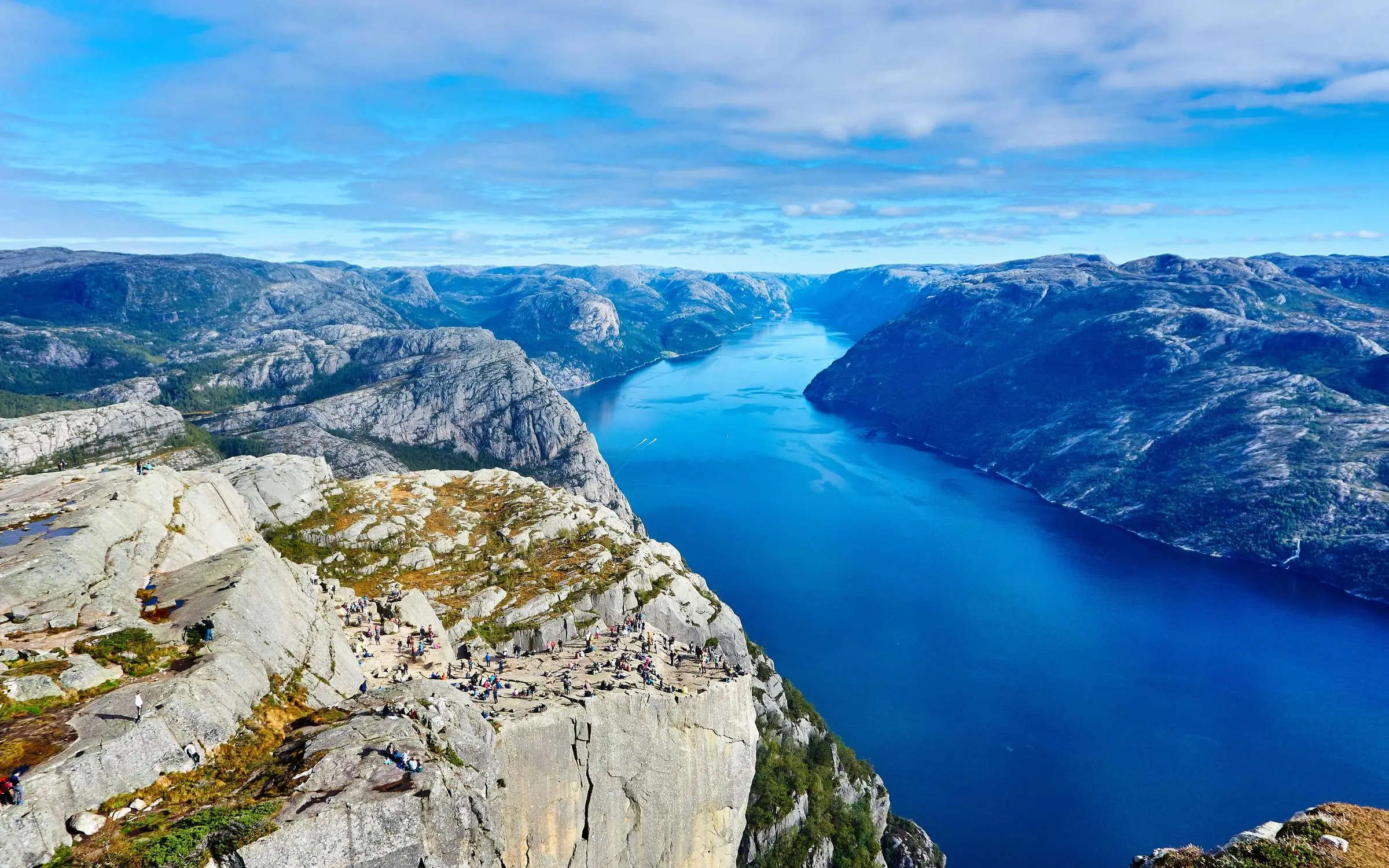
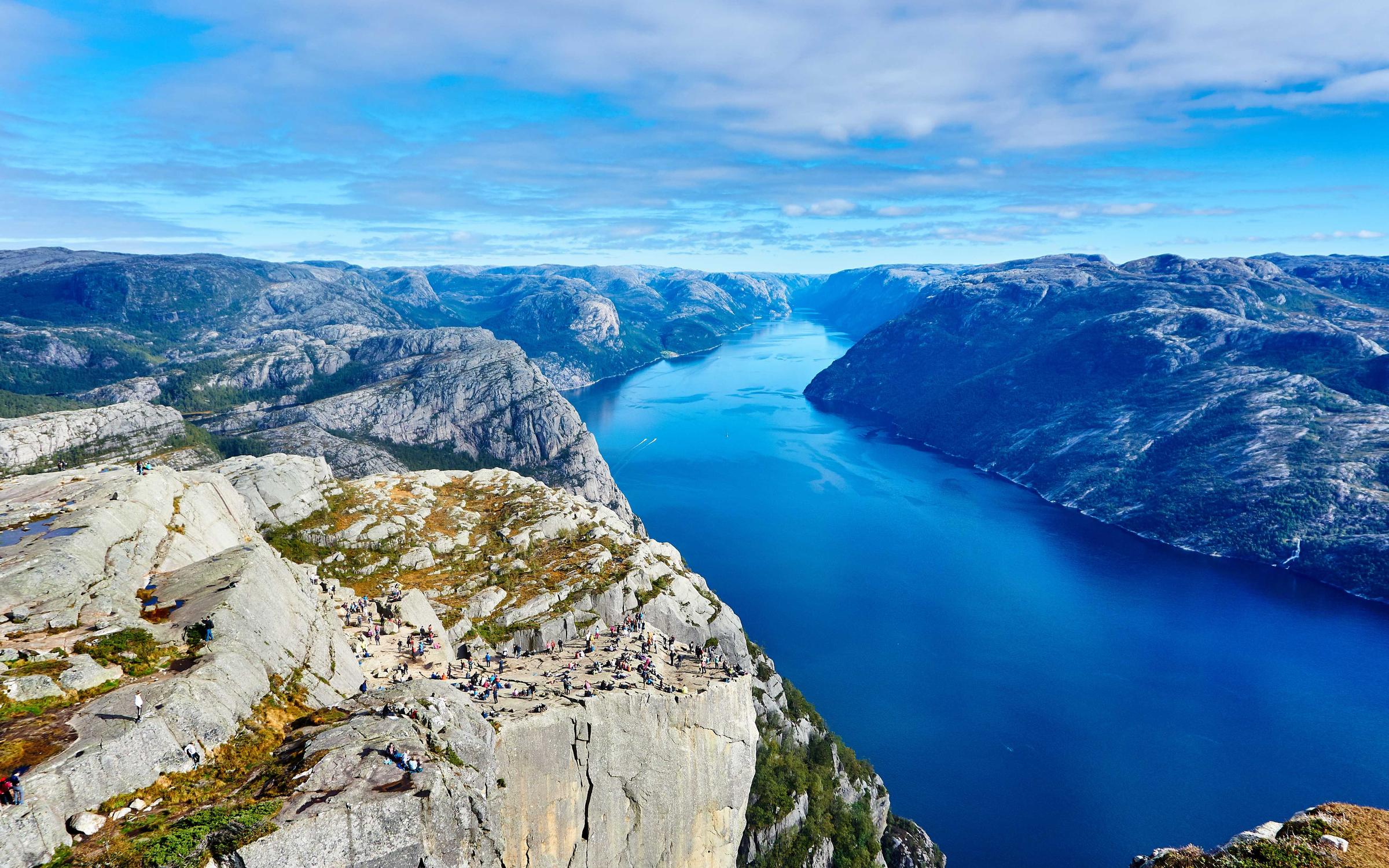
9.2 MB → 960 KB WebP. A wide camera JPEG; WebP is the usual first pass.
- Original
- 9.2 MB
- Compressed
- 960 KB
- Saved
- −90% · JPEG → WebP · q72
FAQs
Formats, file size, privacy. The stuff people actually ask.
More image compression pages
Same compressor. Different starting point.
What people say after the download
Reviews from Passprint accounts. They show here once they go live.