

Compress without visible quality loss
Use the slider to see what you lose before you save. Default quality is 80 for JPEG or WebP. PNG uses a colour count instead. Files stay on your device.
How to check quality before you save
Quality is not one slider
JPEG and WebP use quality. PNG uses colours. AVIF needs a look on the slider, not a copied JPEG number.
JPEG
Quality 80 is the default. Compare, then move it.
WebP
Same default 80. Often smaller than JPEG at a similar look.
PNG
2–256 colours. No quality 80 on PNG.
AVIF
Do not start from 80. Compare on the slider.
Scrub these before you trust a setting
Same six demos. The point is the slider, not a promised quality number.
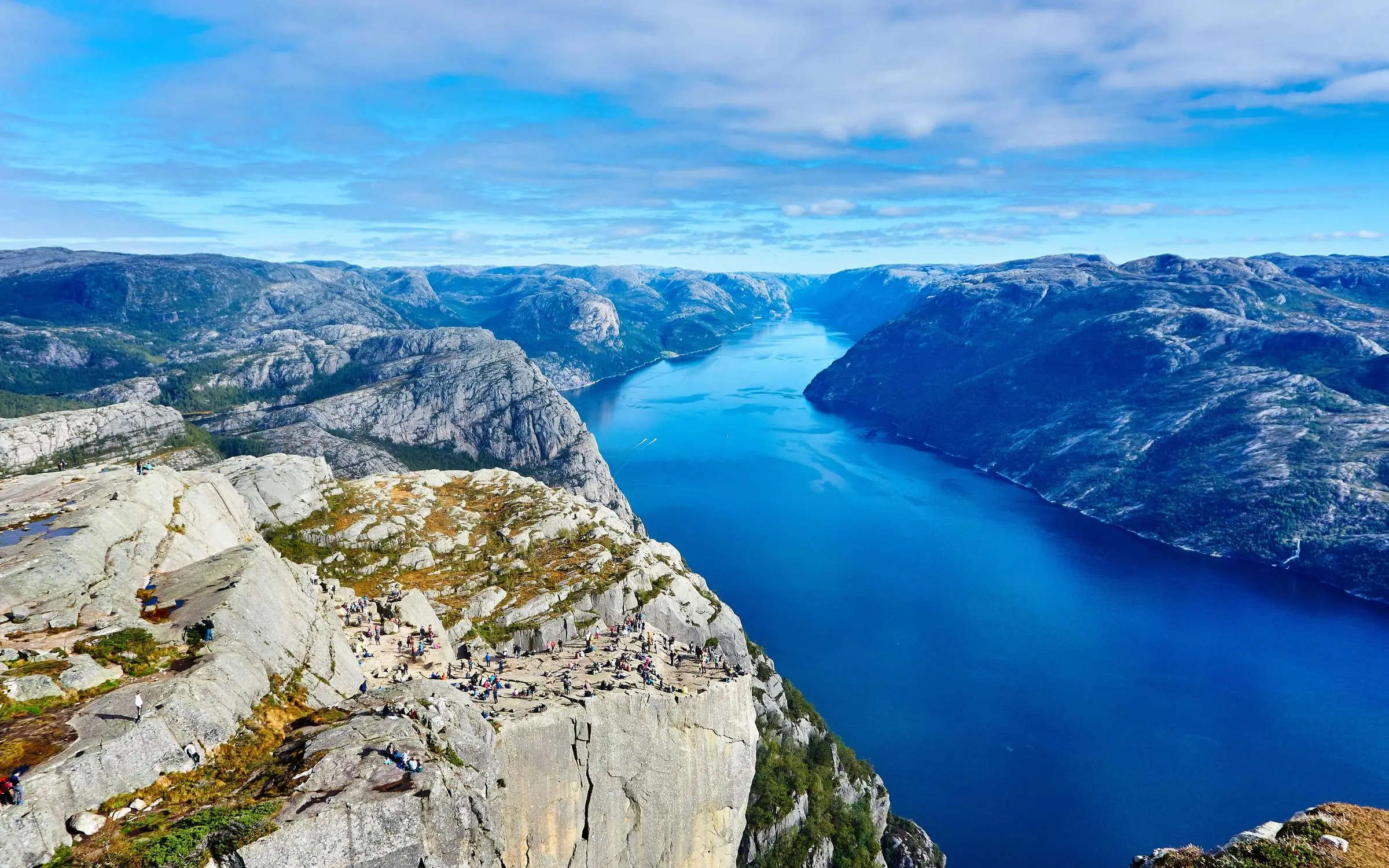
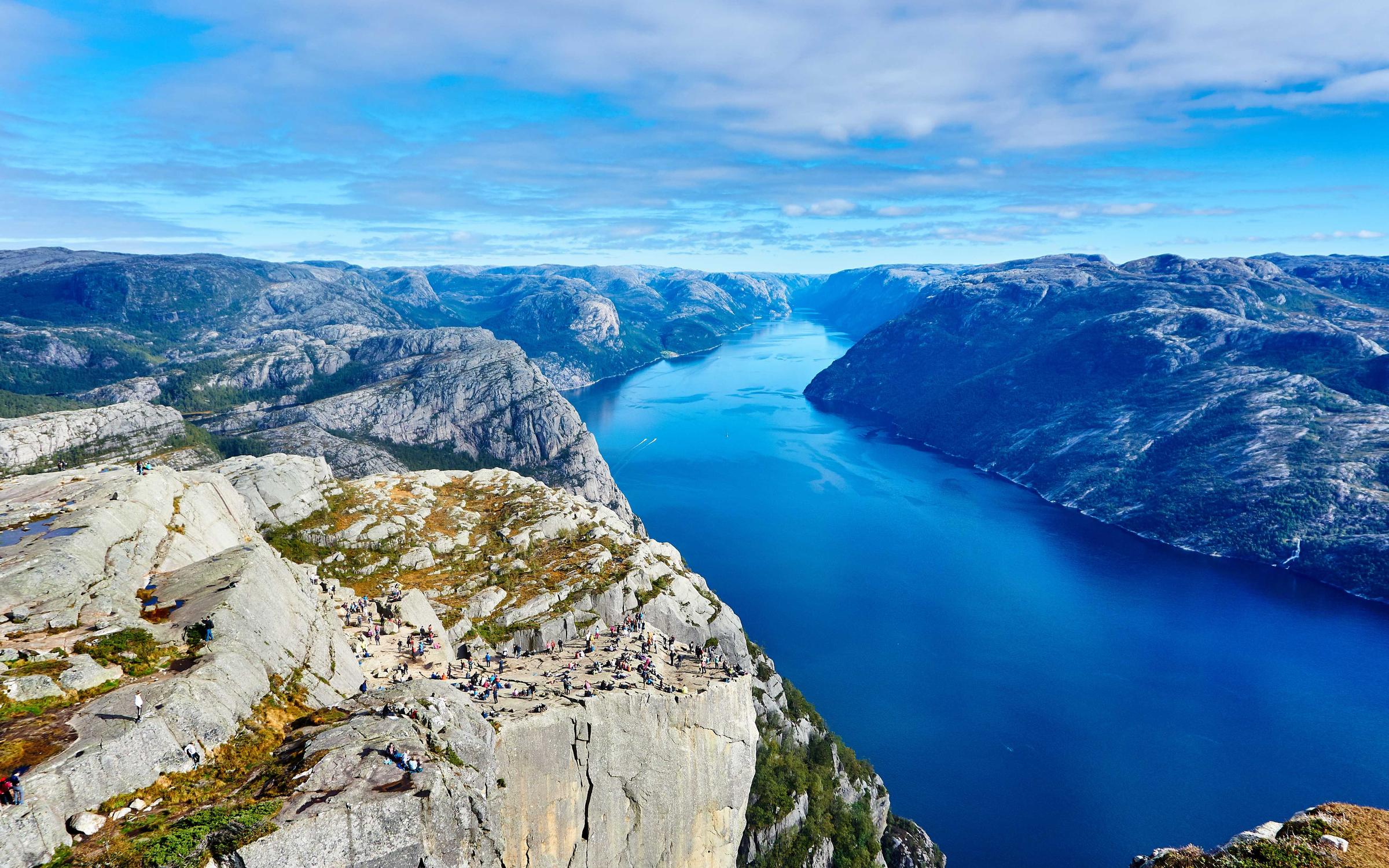
9.2 MB → 960 KB WebP. Scrub the horizon and the sky; that is where mush shows.
- Original
- 9.2 MB
- Compressed
- 960 KB
- Saved
- −90% · JPEG → WebP · q72
FAQs
Formats, file size, privacy. The stuff people actually ask.
More image compression pages
Same compressor. Different starting point.
What people say after the download
Reviews from Passprint accounts. They show here once they go live.